Desktop Motherboards & System Boards
Exact-model OEM replacement boards for Dell and HP desktops, plus socket-matched ATX/Micro-ATX boards for custom builds
About Desktop Motherboards
A desktop motherboard replacement has to clear three separate compatibility checks — CPU socket, form factor, and (for OEM towers) whether the board is a proprietary fit for that exact chassis. We stock Dell OptiPlex and HP Compaq/Pavilion OEM system boards, where the replacement must exactly match the original part number because Dell and HP proprietary boards are not universal ATX designs, alongside generic ATX and Micro-ATX boards (Intel, MSI, and other brands) for custom and workstation builds.
What's in Stock
- Dell OptiPlex system boards — exact-model replacements identified by Dell part number, matched to the specific OptiPlex generation
- HP Compaq / Pavilion desktop boards — including all-in-one system boards (e.g. iMac-style AIO logic boards) and mini-tower boards
- Generic ATX & Micro-ATX boards — socket-identified (LGA 775, LGA 1155, AM2, AM3, etc.) for custom builds or non-OEM upgrades
- "Without CPU / without tray" listings — many OEM boards are sold bare; confirm whether your listing includes a processor before ordering
Proprietary OEM boards from Dell and HP are not interchangeable with generic ATX boards, and even within one brand, board revisions differ by exact model and generation. Send us your Dell service tag or HP model/product number and we will match the exact board before you order.
Featured Desktop Motherboards Products
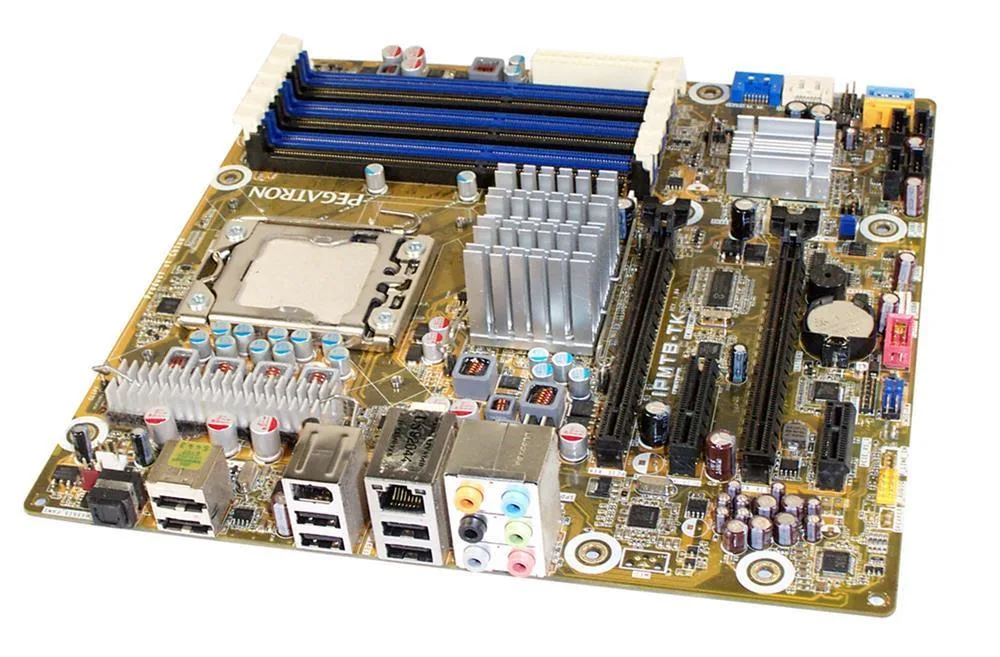 594415002 - HP Desktop Motherboard
 BLKD850MDAL - Intel Desktop Motherboard$872.87
 BLKD850MVAL - Intel Desktop Motherboard$752.61
 BLKD850EMDRL - Intel Desktop Motherboard$752.61
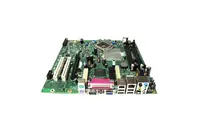 BLKD845GVAL - Intel Desktop Motherboard$752.61
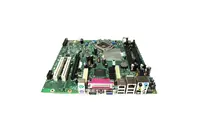 BOXD915GUXLKD2 - Intel Desktop Motherboard$726.12
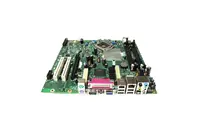 BOXD925XHYMLR - Intel Desktop Motherboard$671.17
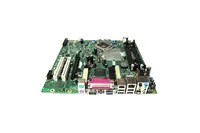 BOXD925XCVLKD2 - Intel Desktop Motherboard
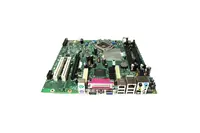 BOXD850MVAL - Intel Desktop Motherboard$671.17
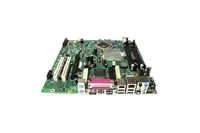 BOXD850MDR - Intel Desktop Motherboard$671.17
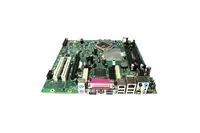 BOXD850MDAL - Intel Desktop Motherboard$671.17
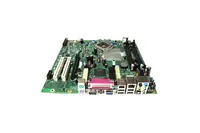 BOXD850EMDRL - Intel Desktop Motherboard$671.17
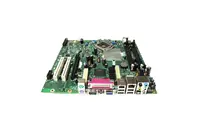 BOXD845GVSRI - Intel Desktop Motherboard$671.17
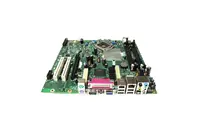 CN430TX - Intel Desktop Motherboard$636.92
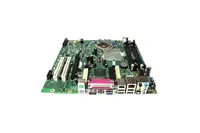 CC820 - Intel Desktop Motherboard$589.01
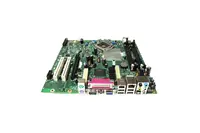 BOXD845PTL - Intel Desktop Motherboard$589.01
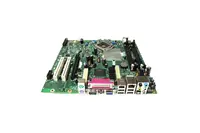 BOXD845GBVLADD - Intel Desktop Motherboard$567.78
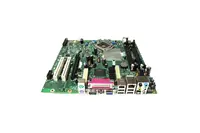 BLKD850MDR - Intel Desktop Motherboard$589.01
Browse all 3,866 Desktop Motherboards SKUs.