Server Processor Heatsinks — CPU Coolers by Platform
OEM and aftermarket heatsinks matched to your server and CPU TDP
About Server Heatsinks
Server processor heatsinks are passive cooling assemblies designed to dissipate CPU heat within the constrained airflow of a rack-mounted chassis. Unlike desktop coolers with attached fans, server heatsinks rely on high-velocity system fans pulling air across precisely engineered fin stacks. The heatsink must be matched to both the server chassis form factor (1U vs 2U) and the CPU TDP (thermal design power) rating.
Server heatsinks are highly platform-specific. A Dell PowerEdge R740 heatsink will not fit an R640 (different chassis height), and within the same server model, there are often standard TDP and high-TDP variants. For example, the Dell R740 uses a standard heatsink for CPUs up to 150W and a performance heatsink for 165-205W processors. Using the wrong heatsink causes thermal throttling or automatic shutdown.
Server Heatsinks by Platform
- Dell R640/R6515 1U Heatsink (0XPDVP / standard, 0N4MTT / high-perf) — for Xeon Scalable up to 205W
- Dell R740/R7515 2U Heatsink (0TRJT7 / standard) — passive 2U tower-style for up to 165W
- HP DL360 Gen10 1U Heatsink (867650-001) — narrow 1U design for ProLiant
- HP DL380 Gen10 2U Heatsink (875070-001 / standard, 873592-001 / high-perf)
- Supermicro SNK-P0068PS (2U) — square ILM for LGA 3647, up to 205W TDP
- Supermicro SNK-P0067PS (1U) — narrow 1U for LGA 3647 platforms
When upgrading a CPU to a higher TDP, always verify heatsink compatibility. A 2U server with a standard 150W heatsink will thermal-throttle a 205W processor. Contact us with your server model and target CPU for heatsink guidance.
Featured Server Heatsinks Products
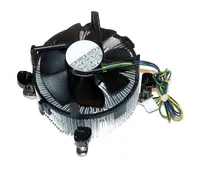 25P6487 - IBM CPU Heatsink for x345 Server$54.40
 0U838P - Dell CPU Heatsink for PowerEdge M910 Server$99.54
 U838P - Dell CPU Heatsink for PowerEdge M910 Server$159.11
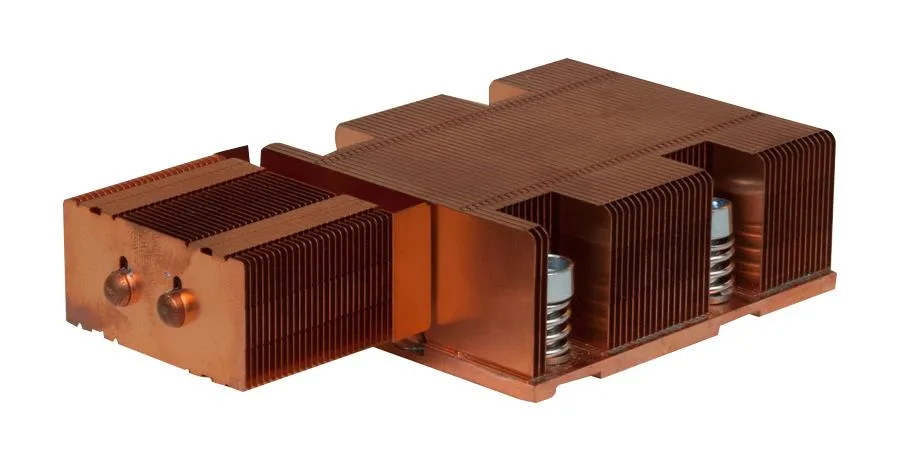 0WP189 - Dell CPU Heatsink for PowerEdge M605 Server$121.30
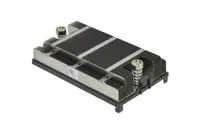 0FHV0D - Dell CPU 1U Heatsink for PowerEdge R820 Server$178.16
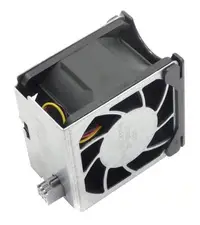 FHV0D - Dell CPU 1U Heatsink for PowerEdge R820 Server$176.58
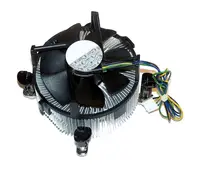 735508-001 - HP CPU Heatsink for ProLiant DL360 Server$110.73
 409498-001 - HP CPU Heatsink for ProLiant Bl480c Server$54.40
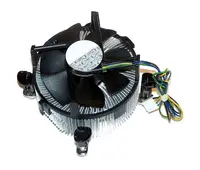 361747-001 - HP CPU Heatsink for ProLiant BL30P Server$54.40
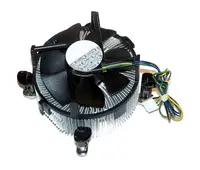 321961-007 - HP CPU Heatsink for ProLiant DL585 Server$73.60
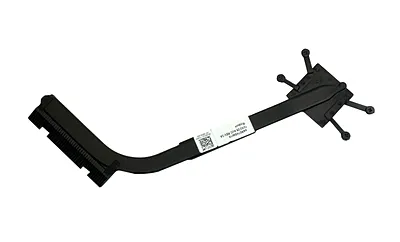 HM5D6 - Dell CPU Heatsink Assembly for Tower Servers PowerEdge T640
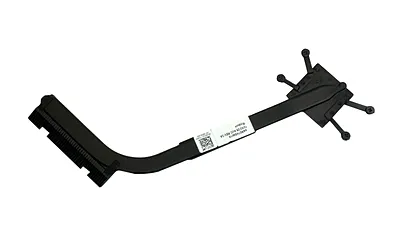 XVPC6 - Dell CPU Heatsink Assembly for Tower Servers PowerEdge T440
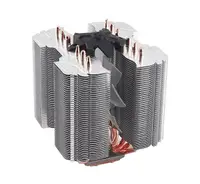 768754-B21 - HP CPU Heatsink for ProLiant DL160 G9 Server$206.62
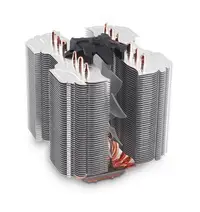 687272-001 - HP CPU Heatsink for ProLiant BL660C G8 Server$90.00
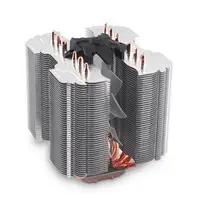 689048-001 - HP CPU Heatsink for ProLiant Bl660c G8 Server$103.63
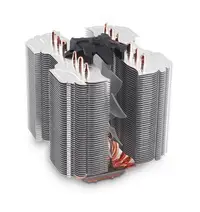 689143-001 - HP CPU Heatsink for ProLiant Bl660c G8 Server$54.40
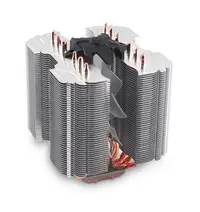 689047-001 - HP CPU Heatsink for ProLiant Bl660c G8 Server$112.00
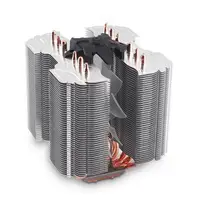 670375-001 - HP CPU Heatsink for ProLiant BL420c G8 Server$56.00
Browse all 2,619 Server Heatsinks SKUs.