Server Fans & Cooling Components
Hot-swap replacement fans, heat sinks, and cooling assemblies for enterprise servers
About Server Fans & Cooling
A failed fan can trigger thermal shutdown and take your server offline. Keep your servers running cool with replacement hot-swap fans and heat sinks for Dell, HP, and Lenovo servers.
Enterprise servers use redundant fan configurations — if one fan fails, the remaining fans spin up to compensate. But running on reduced fans increases noise, power consumption, and thermal risk. Replace failed fans immediately.
Server Cooling Components
- Hot-swap system fans — Replace without shutting down the server
- CPU heat sinks — Standard and high-performance for high-TDP processors
- Fan assemblies/cages — Complete fan modules with housing
- GPU cooling kits — Shrouds and fans for NVIDIA Tesla/A100 in servers
Featured Server Fans & Cooling Products
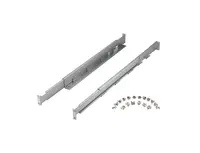 J1539-63002 - HP Rack Slide Replacement Kit for 9000 rp3410 Server$248.00
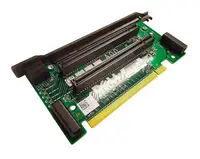 A6961-67105 - HP Replacement Appian Riser Board for Integrity Server RX4640$97.60
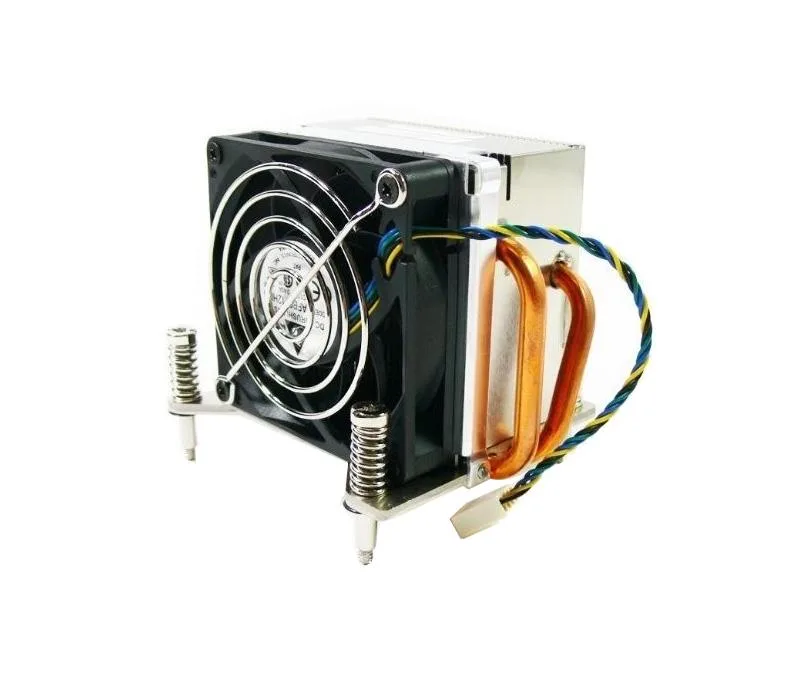 727150-001 - HP Processor Fan Heatsink Assembly$68.00
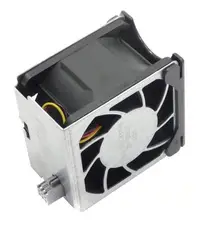 18P6026 - IBM MT2109 Server Fan Module$116.43
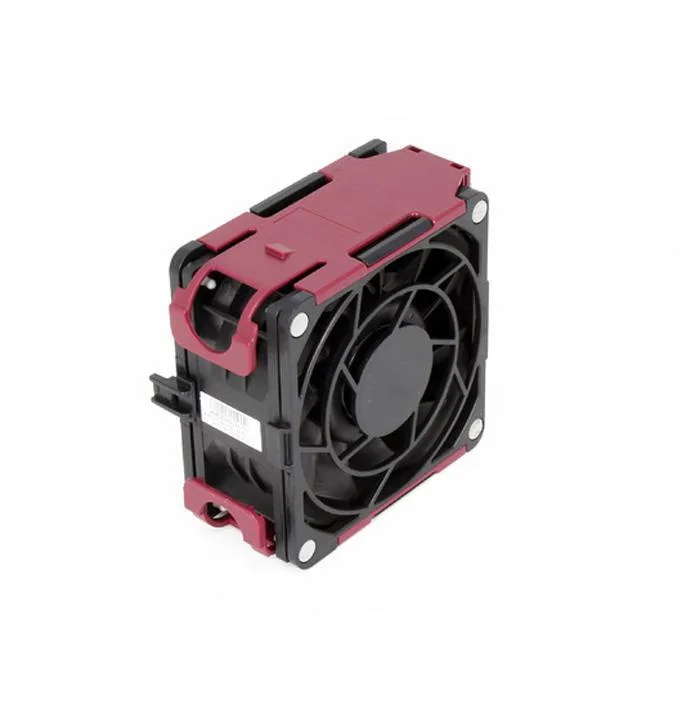 584562-001 - HP Server Cooling Fan for ProLiant DL580 G7 Server$54.40
 0F435M - Dell Fan for PowerEdge R310 Server$71.66
 F435M - Dell Fan for PowerEdge R310 Server$59.18
 0VGMHR - Dell Fan for PowerEdge R620 Server$59.62
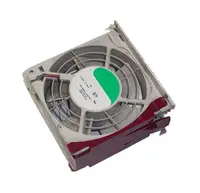 VGMHR - Dell Fan for PowerEdge R620 Server$54.40
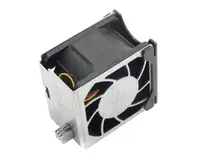 P3505-69021 - HP Fan for TC3100 Server$201.60
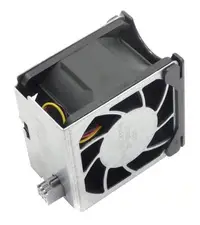 298240-003 - HP Fan for ProLiant Server$84.00
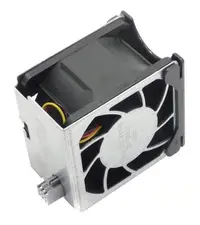 278760-001 - HP Fan for ProLiant Server$68.00
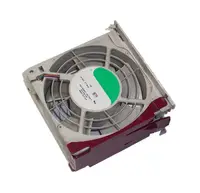 CF00541-2802 - Sun X4140 Server Fan Module$58.90
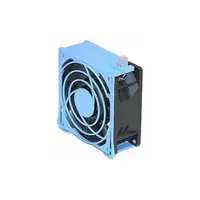 48M8Y - Dell CPU Cooling Fan for Server$201.55
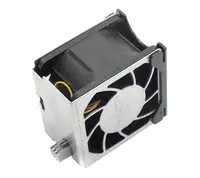 441016-001 - HP 2-Bay Fan Cage with Fans for ProLiant DL380 G5 Server$54.40
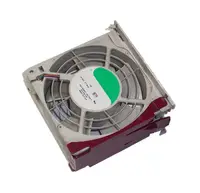 0F7007 - Dell Fan Blower for PowerEdge SC1425 Server$52.93
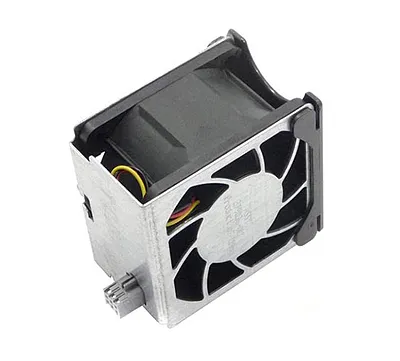 00MV395 - IBM Fan Module for x3550 M5 Server$65.44
 46W2926 - IBM Fan Assembly for x3550 M2 Server$56.00
Browse all 428 Server Fans & Cooling SKUs.
Frequently Asked Questions
How do I know if a server fan has failed?
Server management interfaces (Dell iDRAC, HP iLO, Lenovo XCC) report fan status and RPM. A failed fan triggers an amber LED on the front panel, increases remaining fan speeds (louder noise), and generates an alert. Check iDRAC/iLO for the specific fan slot number before ordering a replacement.
Are server fans hot-swappable?
Yes, in most enterprise servers (Dell PowerEdge, HP ProLiant, Lenovo ThinkSystem). Hot-swap means you can remove and replace a fan while the server is running. The remaining fans maintain cooling during the swap. Always replace within 60 seconds to avoid thermal warnings.