Cisco Aironet Access Points
Autonomous and controller-based Aironet access points across 802.11n and 802.11ac
About Wireless Access Points
Cisco Aironet access points are ordered by the full part number, and that part number encodes two things people routinely miss: whether the unit is controller-based, and which regulatory domain it is locked to.
The regulatory domain suffix is not cosmetic
Aironet part numbers end in a regulatory domain code, for example -A-K9, -B-K9 or -E-K9. The domain determines which channels and power levels the radio is permitted to use, and it is set to comply with the regulations of the region the unit was sold into. It cannot simply be reconfigured in software.
An access point bought for the wrong domain may refuse to join a controller, or may come up with an unusable channel set. If you are buying for a US deployment, the domain has to match what the rest of your estate uses. This is the single most common ordering mistake on Aironet hardware.
Autonomous and controller-based
The prefix tells you the operating mode the unit shipped in:
- AIR-AP - historically autonomous, running standalone with its own configuration
- AIR-CAP and AIR-LAP - controller-based, expecting to join a wireless LAN controller over CAPWAP and take its configuration from there
A controller-based access point without a controller is of limited use, and a standalone deployment wants the autonomous image. Some models can be converted between images; treat that as model-specific rather than assumed.
Generations in stock
Our Aironet stock spans the 802.11a/b/g/n generations through 802.11ac, across series including 1130, 1140, 1310, 1532, 2600, 2700, 2800 and 3800. Indoor and outdoor-rated models both appear; the outdoor units are built for environmental exposure and mount differently.
Power
Most Aironet access points are powered over Ethernet. Higher-throughput models can require more power than older PoE switch ports deliver, so the switch and its power supply are part of the specification. Antennas and mounting brackets are separate parts on the models that take external antennas.
Tell us the controller you run, or that you need standalone units, and your region and we will match the model, the regulatory domain and the power requirement together.
Featured Wireless Access Points Products
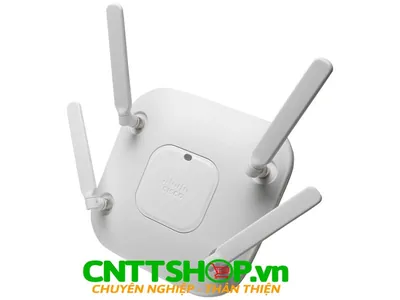 AIR-CAP26IBO-EK910 - Cisco Aironet Access Point
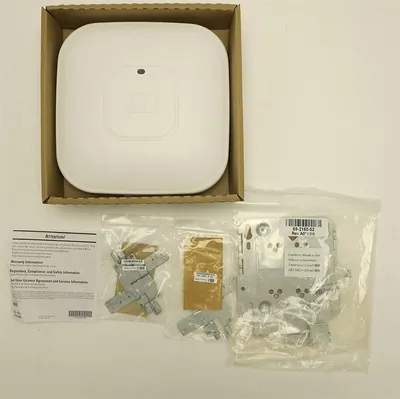 AIR-CAP26IBO-BK910 - Cisco Aironet Access Point
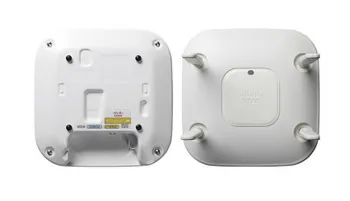 AIR-CAP26IBO-BBULK - Cisco Aironet Access Point
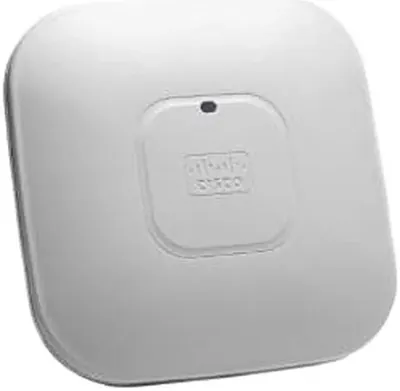 AIR-CAP26IBO-AK910 - Cisco Aironet Access Point
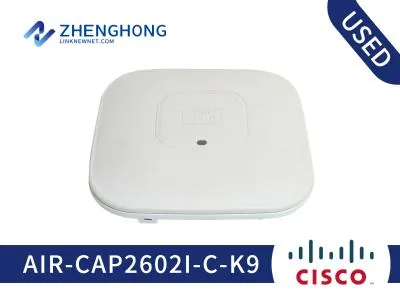 AIR-CAP26IBO-B-K9 - Cisco Aironet Access Point
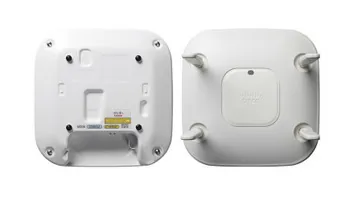 AIR-CAP26IBO-A-K9 - Cisco Aironet Access Point
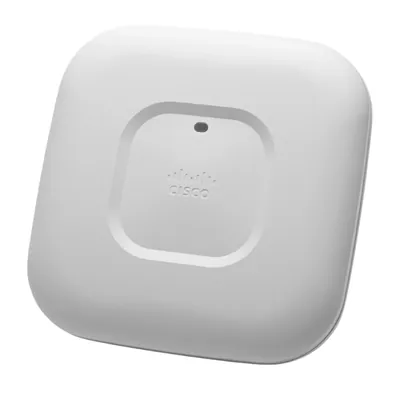 AIR-CAP26IBO-E-K9 - Cisco Aironet Access Point
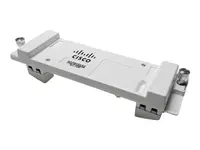 Cisco Aironet Access Point Module for Wireless Security and Spectrum$5,221.86
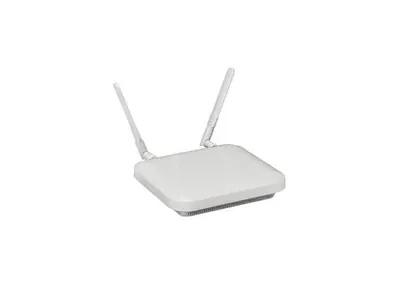 AIRAP342E2RUS - Cisco Aironet 340 Series Access Point
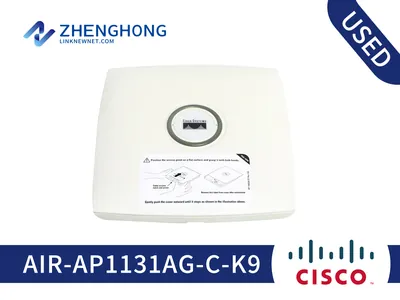 AIRAP1131AGCK9 - Cisco Aironet 1130AG Series Access Point
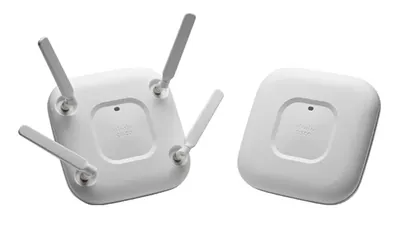 AIR-AP351E2C - Cisco Aironet Wireless Access Point
 CISCO AIRONET 1042 STANDALONE - RADIO ACCESS POINT$322.06
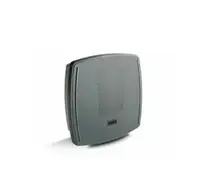 AIRLAP1310GAK9R - Cisco Aironet 1300 Series Wireless Access Point$563.28
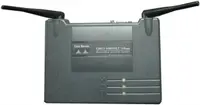 AIR-AP350 - Cisco Aironet 802.11b Wireless Access Point$109.01
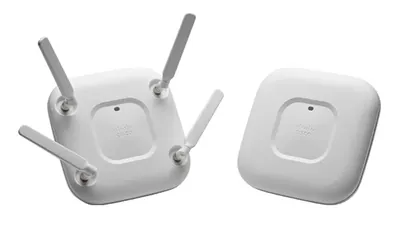 AIRAP2702EUXK9C-RF - Cisco Aironet 2700 Series Access Point
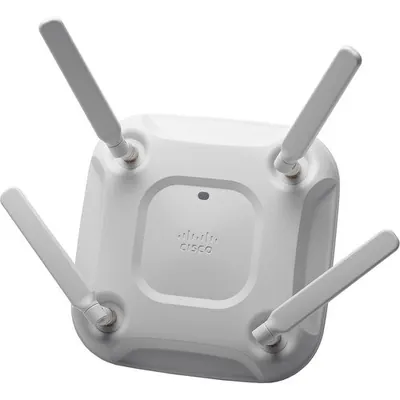 AIRAP3702EUXK9C-RF - Cisco Aironet 3700E Series Access Point
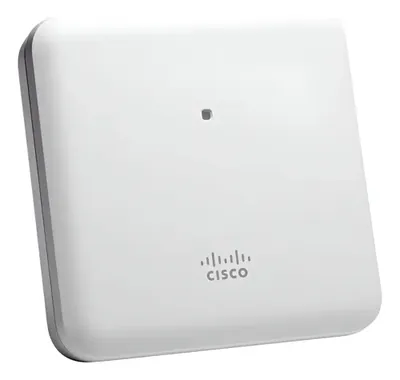 AIRAP1852I-AK910C - Cisco -Aironet 1852I Series Access Point
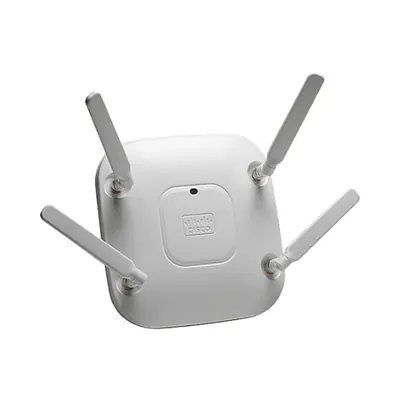 AIRAP2602E-UXK910C - Cisco Aironet 2602E Series Access Point
Browse all 2,242 Wireless Access Points SKUs.
Most-searched Wireless Access Points part numbers
The Cisco Aironet access points that US buyers look up most often on Google, from our own Search Console data. Every part listed is priced, photographed and in stock as of 10 October 2026.
| Part number | Description | Price |
|---|---|---|
| AIR-CAP2702I-BK910 | Cisco Aironet 2702 Wireless Access Point, 10 Pack | $5,672.02 |
| AIR-AP2802I-B-K9 | Cisco Aironet 2800 Series 5.2Gbps Wireless Access Point | $2,577.08 |
| AIR-LAP1131AG-E-K9 | Cisco Aironet 1130AG IEEE 802.11a/b/g 108Mb/s Lightweight Access Point | $86.26 |
| AIR-CAP1702I-B-K9C | Cisco Aironet 1702 Wireless Access Point | $268.63 |
| AIR-CAP2702I-A-K9-NO | Cisco Aironet 2700 Wireless Access Point | $191.74 |
| AIR-CAP1602E-AK910 | Cisco Aironet 1602 Wireless Access Point, 10 Pack | $3,612.50 |
| AIR-AP1572IC1-B-K9 | Cisco Aironet 1572 Wireless Access Point | $2,888.93 |
| AIR-CAP1702I-A-K9 | Cisco Aironet 1702I 867Mbps Controller-Based Wireless Access Point | $298.70 |
| AIR-CAP2702E-A-K9 | Cisco Aironet 2702 Wireless Access Point | $469.25 |
| AIR-AP1262N-A-K9 | Cisco Aironet 1262N 802.11g/n Wireless Access Point | $252.53 |
| AIR-CAP702W-A-K9 | Cisco Aironet 702 Wireless Access Point | $406.25 |
| AIR-SAP1602I-E-K9 | Cisco Aironet 1602I IEEE 802.11n 300Mbps Wireless Access Point | $462.28 |