HP ProLiant Drive Caddies & Trays
SmartDrive 2.5" SFF and 3.5" LFF carriers for every ProLiant generation
About Drive Caddies & Trays
HPE ProLiant servers use SmartDrive carriers (caddies) to mount hard drives and SSDs in hot-swap bays. Each ProLiant generation uses a specific carrier design — using the wrong one can damage the backplane connector or prevent drive detection.
We carry HP drive caddies for Gen8 through Gen11 ProLiant servers including DL380, DL360, DL580, ML350, and BL460c blade servers. All carriers include mounting screws and are verified for hot-swap operation.
HP Drive Caddy Quick Reference
- 651314-001 — 3.5" LFF SmartDrive for Gen8/Gen9 (DL380 G8/G9, ML350 G8/G9)
- 651687-001 — 2.5" SFF SmartDrive for Gen8/Gen9 (DL360 G8/G9, DL380 G8/G9)
- 727695-001 — 2.5" SFF SmartDrive for Gen10/Gen10+ (DL380 Gen10, DL360 Gen10)
- 774026-001 — 3.5" LFF SmartDrive for Gen10/Gen10+ (DL380 Gen10, ML350 Gen10)
- P28352-B21 — 2.5" SFF SmartDrive for Gen11 (DL380 Gen11, DL360 Gen11)
Check your server's QuickSpecs or contact us with the server model for exact compatibility.
Featured Drive Caddies & Trays Products
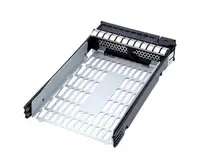 F2072-60909 - HP Hard Drive Tray Carrier / Caddy$97.14
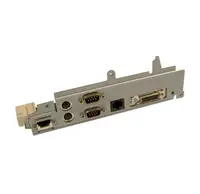 3EATLHBTP00 - HP Hard Drive Tray-Caddy for Pavilion dv9000$126.22
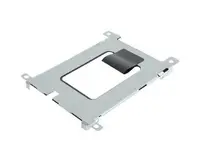 608720-001 - HP EliteBook 2540p SATA Hard Drive Caddy Tray$143.91
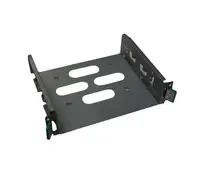 311173-001 - HP Optical Drive Caddy Tray for Server TC2120$128.95
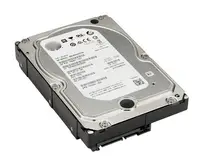 771665-000 - HP 2.5 to 3.5 Hard Drive Adapter Caddy Tray$142.43
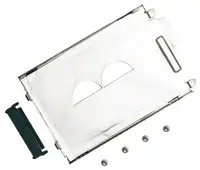 442171-001N - HP Hard Drive Caddy Tray for DV2000 Notebook PC$445.75
 373211-002 - HP SATA/SAS 3.5-inch Hard Drive Tray/Caddy$47.37
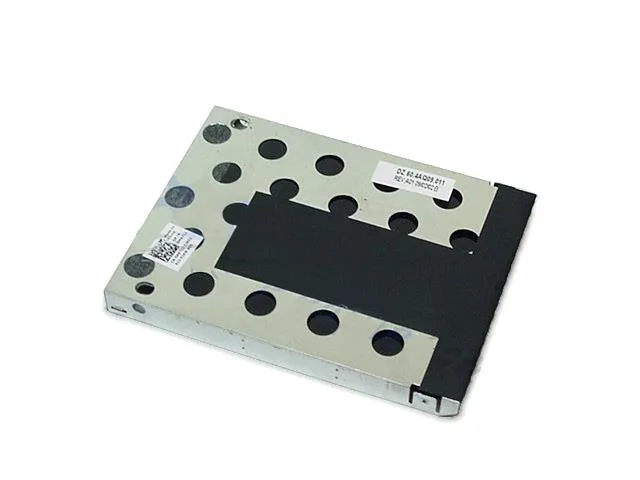 M671J - Dell Hard Drive Caddy Tray$89.68
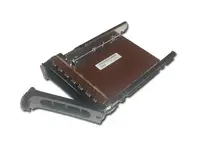 0M671J - Dell Hard Drive Caddy Tray$89.68
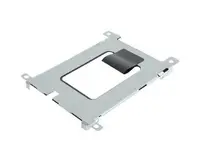 637177-001 - HP Hard Drive Caddy Tray for Pavilion dm1-3000 Laptop$94.36
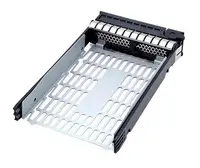 1B41FWE00-600-G - HP 3.5-inch Hard Drive Tray / Caddy for Z230$77.57
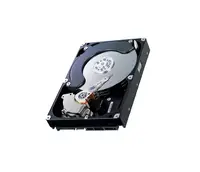 RH991 - Dell Caddy / Tray for Hard Drive$113.68
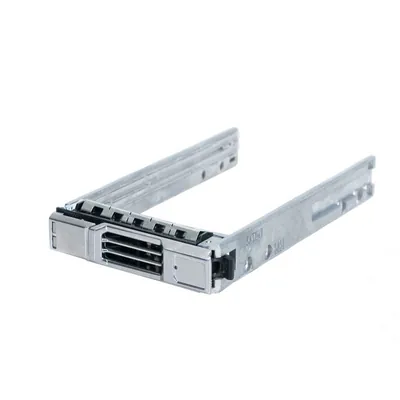 0RH991 - Dell Caddy / Tray for Hard Drive$113.68
 663074-001 - HP Hard Drive Caddy / Tray Assembly for Z820 WorkStation Series$145.38
 756386-001 - HP SAS / SATA 2.5-inch Non-Hot Pluggable Drive Tray / Caddy$73.66
 44X1853 - IBM 3.5-inch Hard Drive Caddy Tray$119.51
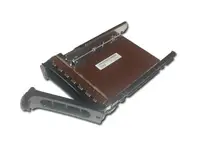 HK007 - Dell Hard Disk Drive HDD Caddy / Tray$133.58
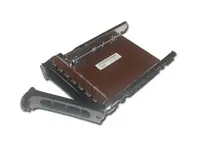 0HK007 - Dell Hard Disk Drive HDD Caddy / Tray$133.58
Browse all 878 Drive Caddies & Trays SKUs.
Frequently Asked Questions
What is the difference between HP Gen9 and Gen10 drive caddies?
Gen9 caddies (651687-001 for 2.5") have a different latch mechanism and backplane connector than Gen10 caddies (727695-001 for 2.5"). They are NOT interchangeable. Using a Gen9 caddy in a Gen10 server will not align with the backplane pins and the drive will not be detected. Always match caddy to server generation.
Do HP drive caddies work with third-party drives?
Yes. HP SmartDrive caddies accept any standard 2.5" or 3.5" SATA/SAS drive from any manufacturer (Samsung, Seagate, WD, Micron, etc.). The caddy is just a mechanical carrier — the drive interface is standardized. The server may show a "non-HPE" warning in ILO but the drive will function normally.
What is a drive blank and do I need one?
Drive blanks are empty caddies without drives that fill unused hot-swap bays. They maintain proper airflow through the server chassis. Running a server with empty bays (no blanks) can cause overheating because the cooling fans lose directed airflow. Always install blanks in unused bays.
Can I convert a 3.5" HP bay to accept 2.5" drives?
Yes. HPE offers a 2.5" to 3.5" adapter kit that mounts a 2.5" SSD or HDD inside a 3.5" LFF SmartDrive carrier. This is commonly used to install 2.5" SSDs in older servers with 3.5" bays, providing an SSD upgrade path without replacing the backplane.