Server Cable Management Arms (CMA)
CMAs that let a rack server slide out on its rails without unplugging a thing
About Cable Management Arms
A cable management arm (CMA) attaches to the back of a server's sliding rail kit and organizes the power and data cables so the server can be pulled forward for service without disconnecting anything. As the server slides out, the hinged arm extends and folds neatly; slide it back and the arm retracts. For any server you service in-rack, a CMA turns a cable-unplugging chore into a two-minute slide-out.
Cable management arms are rail- and model-specific — a CMA is designed for a particular sliding rail kit and chassis depth, so it must match both your server model and its rails (static rails generally cannot use a CMA). We stock CMAs for Dell PowerEdge and HP ProLiant, plus IBM/Lenovo and other platforms. If you are also replacing the rails, order the matching rail kit together.
Common CMA Fitments
- Dell PowerEdge (R310, R620, R710, R720, R810, R910) — 1U and 2U cable management arms for ReadyRails
- HP ProLiant (DL380 and other DL/ML rack models) — CMAs for sliding rail kits
- IBM / Lenovo & other rack servers — cable management arms by rail generation
Not sure if your rails support a CMA? Send us your server model and rail part number and we will confirm the right arm.
Featured Cable Management Arms Products
 X4542 - Sun Cable Management Arm Cable Management Arm
 X8028A-Z - Sun Cable Management Arm Cable Management Arm
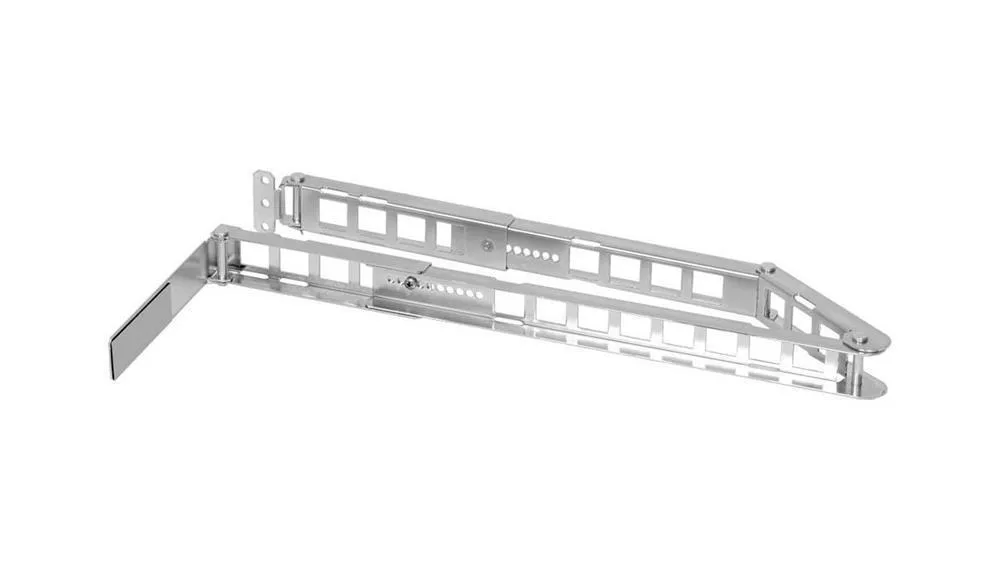 370-7668 - Sun Cable Management Arm Cable Management Arm
 X8346A - Sun Cable Management Arm
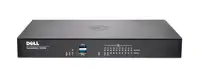 6324A - Sun Cable Management Arm
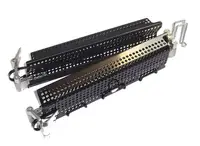 AR8129 - APC Cable Management Arm$273.68
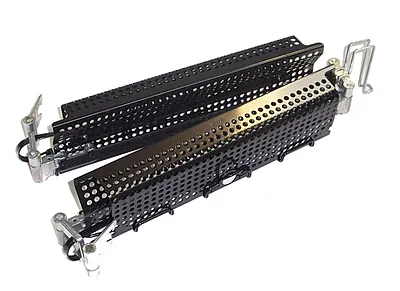 00N7245 - IBM Cable Management Arm$50.39
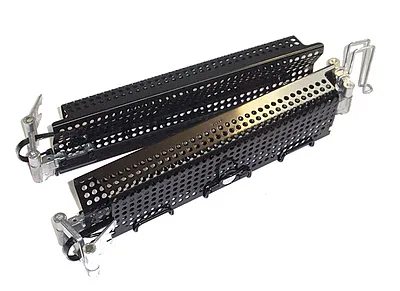 00FK858 - IBM Cable Management Arm$84.61
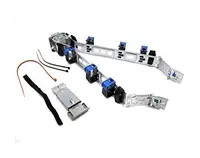 5064-6170 - HP Cable Management Arm$97.14
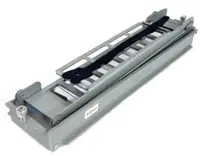 5065-5963 - HP Cable Management Arm$97.14
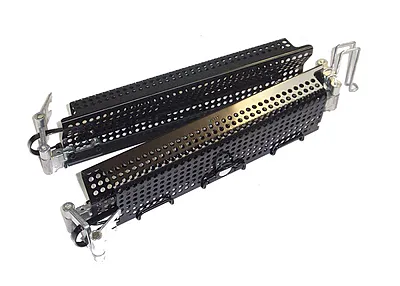 00KA594 - IBM / Lenovo Cable Management Arm$211.00
 5064-6200 - HP Cable Management Arm$73.68
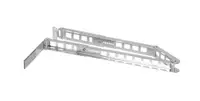 SEVX9CA1Z - Sun Cable Management Arm RoHS Y
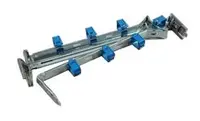 AXXCMA2 - Intel Cable Management Arm for AXXFULLRAIL$205.26
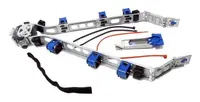 JC084A - HP 12518 Cable Management Arm Kit$937.04
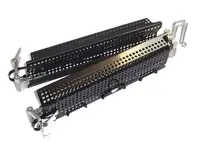 0231A98K - HP 12518 Cable Management Arm Kit$907.57
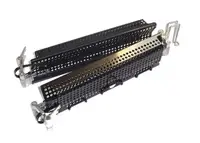 40K6442 - IBM Cable Management Arm for x345$112.59
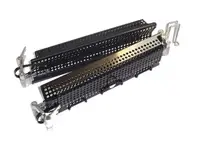 40K6556 - IBM Cable Management Arm for x3650$96.84
Browse all 283 Cable Management Arms SKUs.