Seagate SATA Hard Drives
BarraCuda, Constellation and Momentus SATA drives listed by ST model number
About SATA Hard Drives
Seagate SATA hard drives are the largest single-brand drive group we stock. Because Seagate publishes a consistent ST model number on every unit, these are among the easiest drives to match exactly — the model number alone pins down capacity, form factor and family.
The families you will see
- BarraCuda — the mainstream 3.5-inch desktop line, and by a wide margin the most common family here, including the older 7200.7 through 7200.12 generations
- Constellation — enterprise nearline drives built for continuous duty rather than desktop use
- Momentus — the 2.5-inch laptop line, typically 5400RPM and occasionally 7200RPM
- Exos — the current enterprise line, covered in more depth on our Seagate Exos page
- SkyHawk, IronWolf and SV35 — surveillance and NAS drives, covered on our NAS and surveillance page
Reading an ST model number
An ST number such as ST3250310SV or ST9160823ASG encodes the series, the capacity and a family suffix. The leading digit indicates form factor — ST3 for 3.5-inch and ST9 for 2.5-inch — which is a quick way to confirm you are looking at the right physical size before checking anything else.
Speeds
The majority of our Seagate SATA drives run at 7200RPM. There is also a meaningful number of 5400RPM units, chiefly Momentus and other 2.5-inch models, plus some drives at 5900RPM, a speed Seagate used on capacity-oriented and surveillance-oriented models to reduce heat and power.
Unlike OEM-labelled drives, Seagate retail and bare drives carry no server vendor firmware, so behaviour in a managed RAID controller varies by controller. Tell us the ST number or what the drive is going into and we will confirm the match.
Featured SATA Hard Drives Products
 9DB131-033 - Seagate 80GB SATA Hard Drive$283.08
 ST500312CS - Seagate 500GB SATA 3.5-inch Hard Drive$135.85
 9Y7365-301 - Seagate 400GB 7200RPM SATA Hard Drive$211.03
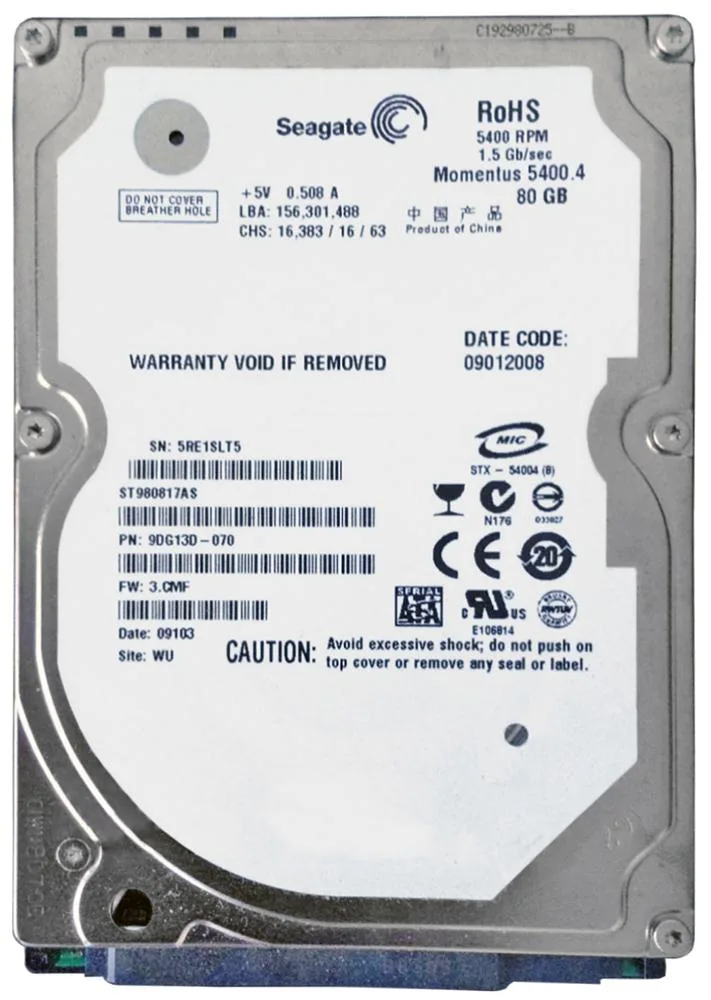 ST980817AS - Seagate 80GB 5400RPM SATA 2.5-inch Hard Drive$154.09
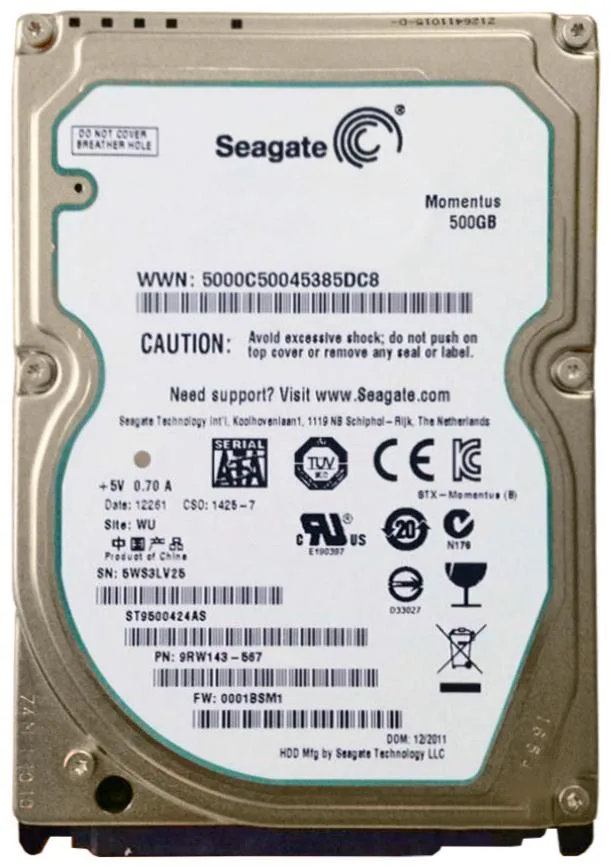 ST9500424AS - Seagate 500GB 7200RPM SATA 2.5-inch Hard Drive$109.90
 ST3120026AS - Seagate BarraCuda 120GB 7200RPM SATA 8MB Cache SATA 3.5-inch Hard$84.00
 STDN2000401 - Seagate 2TB SATA 6Gb/s 3.5-inch Hard Drive$208.76
 STCT5000401 - Seagate 5TB SATA 6Gb/s 3.5-inch Hard Drive
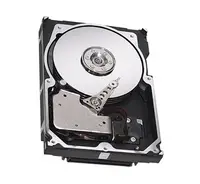 STDN4000401 - Seagate 4TB SATA 6Gb/s 3.5-inch Hard Drive
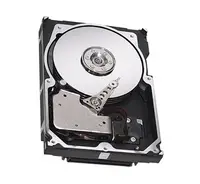 STDP4000401 - Seagate 4TB SATA 6Gb/s 3.5-inch Hard Drive
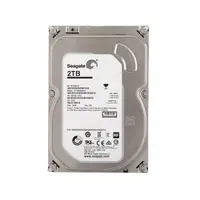 STDM2000400 - Seagate 2TB SATA 6Gb/s 3.5-inch Hard Drive
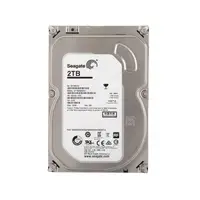 STDP2000400 - Seagate 2TB SATA 6Gb/s 3.5-inch Hard Drive$183.35
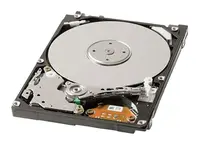 STBD2000103 - Seagate 2TB SATA 6Gb/s 2.5-inch Hard Drive
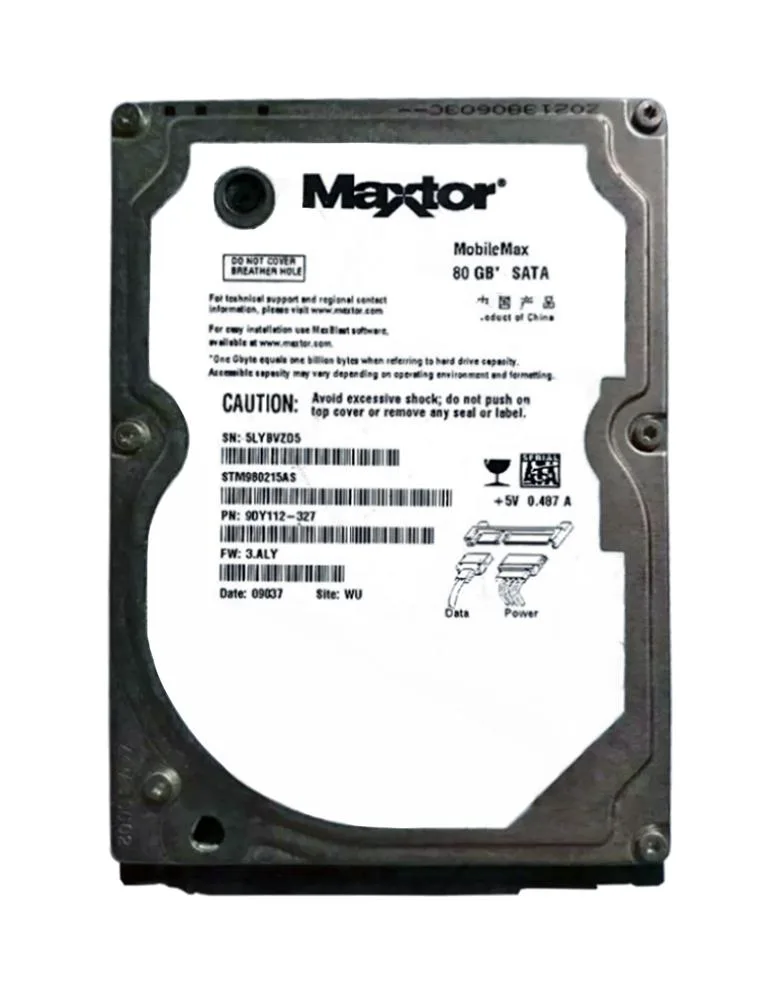 STM980215AS - Seagate MobileMax 80GB Hard Drive SATA 5400RPM 2MB Cache$408.51
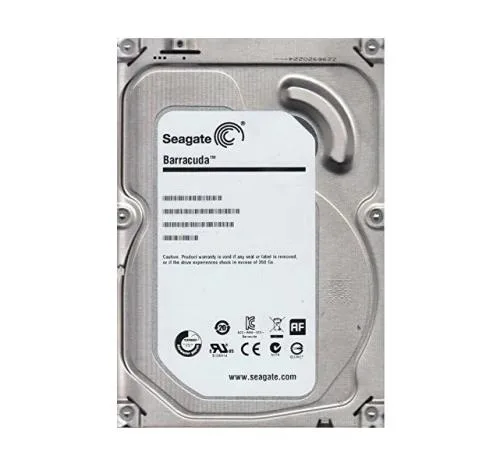 9VT15L-516 - Seagate 1.5TB 5900RPM SATA 3.5-inch Hard Drive$361.09
 98E112-160 - Seagate 160GB 7200RPM SATA 3.5-inch Hard Drive$167.75
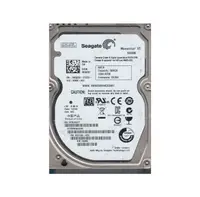 9UZ154-032 - Seagate 500GB 7200RPM SATA 2.5-inch Hard Drive$121.60
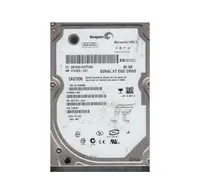 9S1132-020 - Seagate 80GB 5400RPM SATA 2.5-inch Hard Drive$221.17
Browse all 44,199 SATA Hard Drives SKUs.
Most-searched SATA Hard Drives part numbers
The Seagate SATA hard drives that US buyers look up most often on Google, from our own Search Console data. Every part listed is priced, photographed and in stock as of 7 October 2026.
| Part number | Description | Price |
|---|---|---|
| 9CA158-301 | Seagate BarraCuda ES.2 1TB 7200RPM SATA 3Gb/s 32MB Cache 3.5-inch Hard Drive | $427.24 |
| ST3100528AS | Seagate Barracuda 7200.12 1TB 7200RPM SATA 3Gb/s 32MB Cache 3.5-inch Hard Drive | $121.60 |
| ST31000528AS | Seagate BarraCuda 7200.12 1TB 7200RPM SATA 3Gb/s 32MB Cache 3.5-inch Hard Drive | $148.00 |
| 9RZ164-003 | Seagate Constellation.2 500GB 7200RPM SATA 6Gb/s 64MB Cache (CE) SFF 2.5-inch Hard Drive | $112.00 |
| 9RZ164-035 | Seagate Constellation.2 500GB 7200RPM SATA 6Gb/s 64MB Cache (CE) SFF 2.5-inch Hard Drive | $310.49 |
| 9RZ168-136 | Seagate 1TB 7200RPM SATA 6Gb/s 64MB Cache 2.5-inch Hard Drive | $38.40 |
| 9RZ164-039 | Seagate Constellation.2 500GB 7200RPM SATA 6Gb/s 64MB Cache 2.5-inch Hard Drive | $310.65 |
| ST4000VX016 | Seagate ST4000VX016 SkyHawk Surveillance 4TB 5400RPM SATA 6Gb/s 256MB Cache 3.5-Inch Hard Drive | $204.00 |
| 9SL13A-516 | Seagate BarraCuda 7200.12 160GB 7200RPM SATA 3Gb/s 8MB Cache 3.5-inch Hard Drive | $160.37 |
| ST2000NX0403 | Seagate 2TB 7200RPM SATA 6Gb/s 128MB Cache 2.5-inch Hard Drive | $153.60 |
| ST12000NM001J | Seagate ST12000NM001J ST12000NM001J - Seagate Exos X18 12 TB SATA 6Gb/s Hard Drive | $548.00 |
| 9CA158-304 | Seagate BarraCuda 1TB 7200RPM SATA 3Gb/s 32MB Cache 3.5-inch Hard Drive | $217.82 |
SATA Hard Drives in stock, by capacity
Live count of Seagate SATA drives that are priced, photographed and ready to ship, taken from our own catalogue on 7 October 2026. Prices are what you pay, not a list price.
| Capacity | Drives available | Price range | Average |
|---|---|---|---|
| 80GB | 446 | $52.00 – $717.82 | $153.24 |
| 120GB | 301 | $63.62 – $455.17 | $161.68 |
| 160GB | 588 | $35.00 – $505.74 | $166.76 |
| 250GB | 613 | $42.95 – $787.00 | $183.98 |
| 320GB | 383 | $47.46 – $551.56 | $233.15 |
| 400GB | 110 | $66.36 – $641.88 | $259.21 |
| 500GB | 1,335 | $38.40 – $2,629.62 | $217.45 |
| 750GB | 464 | $52.00 – $1,097.81 | $209.17 |
| 1TB | 1,228 | $38.40 – $904.04 | $257.79 |
| 2TB | 706 | $56.00 – $1,197.96 | $320.85 |
| 3TB | 470 | $77.23 – $904.94 | $382.35 |
| 4TB | 218 | $118.40 – $1,671.75 | $462.36 |
Need several of one capacity? Paste the part numbers into the quick order pad, or ask for a bulk quote.