Managed Network Switches — Layer 2 & Layer 3
Enterprise-grade managed switches with VLAN, QoS, and stacking
About Managed Network Switches
Managed network switches give you full control over your network traffic with features like VLANs, Quality of Service (QoS), access control lists (ACLs), link aggregation, and SNMP monitoring. Unlike unmanaged switches that simply forward frames, a managed switch lets you segment networks, prioritize traffic, troubleshoot issues, and enforce security policies — capabilities that are non-negotiable in enterprise environments.
Managed switches come in two tiers: Layer 2 switches operate at the data link layer and provide VLAN tagging, STP, and basic traffic management. Layer 3 switches add routing capabilities (static routes, OSPF, BGP) and can replace a router for inter-VLAN traffic, reducing network hops and improving performance in campus networks.
Managed Switch Categories
- Layer 2 Access Switches (24/48 port) — connect endpoints, provide VLANs, PoE optional
- Layer 3 Distribution Switches — inter-VLAN routing, OSPF/BGP, 10GbE uplinks
- Stackable Switches — manage multiple switches as single logical unit (Cisco StackWise, Aruba VSF)
- Campus Core Switches — high-throughput chassis-based (Cisco 9500, Aruba 8400)
Key decision factors: port count (24 vs 48), uplink speed (1G vs 10G vs 25G), PoE requirement, stacking support, and Layer 2 vs Layer 3. Contact our network specialists for help designing your switch topology — we provide free network architecture consultations for orders over $5,000.
Featured Managed Network Switches Products
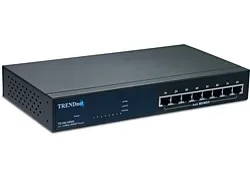 TE100-S800I - TRENDnet 8-Port 10/100Mbps Layer 2 Managed Network Switch 8 x
 2498F24 - IBM System Networking SAN24B-5 Managed Network Switch$5,619.53
 0CJXP5 - Dell Networking N3048P 48-Port L3 Managed Network Switch$3,024.00
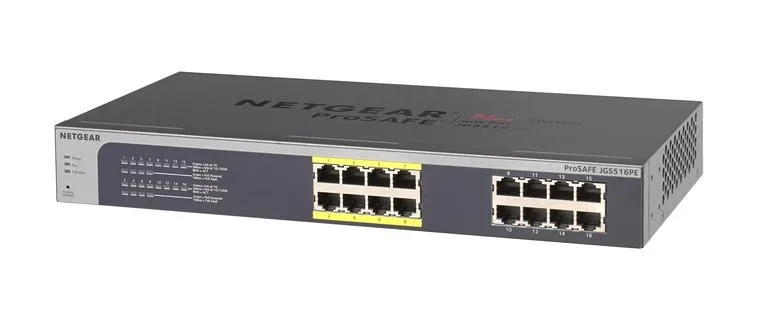 JGS516PE - Netgear 16-Port Gigabit Ethernet Smart Managed Network Switch$514.53
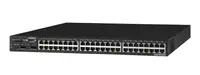 DGS-3650 - D-Link xStack 48-Port Managed Network Switch
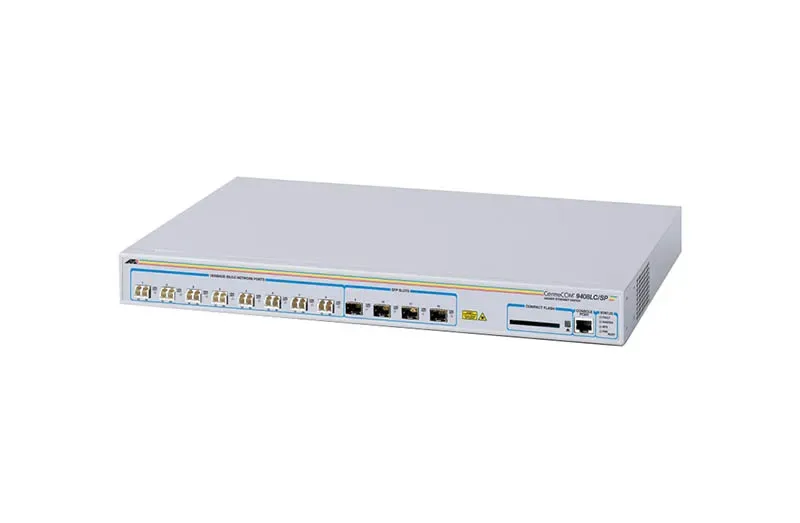 Allied AT-9408LC/SP-10 Telesis 8-Port Managed Network Switch
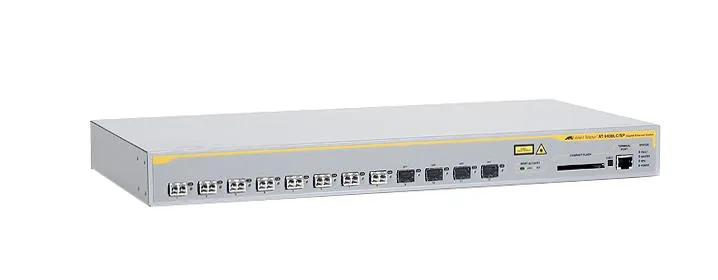 Allied AT-9408LC/SP-50 Telesis 8-Port Managed Network Switch
 UY486 - Dell PowerConnect 2748 48 x Ports Gigabit Ethernet Managed Network$565.32
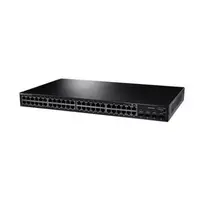 0UY486 - Dell PowerConnect 2748 48 x Ports Gigabit Ethernet Managed Network$565.32
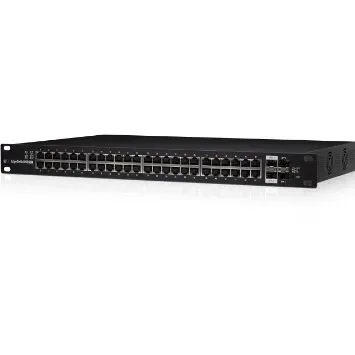 ES-48-LITE - Ubiquiti EdgeSwitch 48 Lite 48-Port Managed Network Switch
 DGS-1210-48 - D-Link Web Smart 48-Port Managed Network Switch$971.38
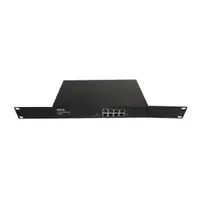 WJ686 - Dell Powerconnect 2708 8 x Ports 10/100 Gigabit Managed Network Switch$211.00
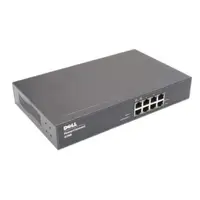 D5691 - Dell Powerconnect 2708 8 x Ports 10/100 Gigabit Managed Network Switch$211.00
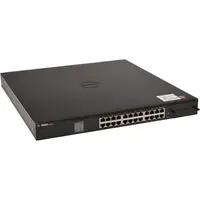 0WJ686 - Dell Powerconnect 2708 8 x Ports 10/100 Gigabit Managed Network Switch$211.00
 0D5691 - Dell Powerconnect 2708 8 x Ports 10/100 Gigabit Managed Network Switch$211.00
 GSM4230P-100NAS - Netgear Av Line M4250 24-Port Gigabit Poe+ Managed Network$1,626.32
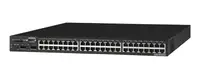 D-Link DGS-1210-48/E Web Smart 48-Port Managed Network Switch$990.32
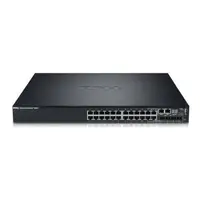 PC7024 - Dell PowerConnect 7024 24 x Ports Gigabit Ethernet SFP Network Managed$896.66
Browse all 19,919 Managed Network Switches SKUs.