Intel Data Center SSDs
Intel DC S-series SATA and DC P-series NVMe drives for servers and storage nodes
About Data Center SSDs
Intel data center SSDs are named in a way that tells you most of what you need before you read the spec sheet. Two letters and four digits identify the interface and the endurance class.
S-series and P-series: the interface
- DC S-series (S3500, S3610, S3700) connects over SATA 6Gb/s. It drops into any 2.5-inch SATA bay, which is why it remains the straightforward capacity upgrade for older servers.
- DC P-series (P3600, P4501, P4610) connects over PCI Express as NVMe. Far higher throughput and far lower latency, but the chassis has to be wired for it.
This distinction is not a preference. A P-series drive will not work in a SATA backplane no matter that it is the same physical size, and a server built only for SAS and SATA cannot accept one in a hot-plug bay.
The last two digits are endurance
Within the S-series the pattern is consistent and worth knowing:
- 3500 — read intensive. The lowest drive-writes-per-day rating and the lowest cost per gigabyte.
- 3610 — mixed use. The middle tier, for virtualisation and general database work.
- 3700 — write intensive. The highest endurance, for logging, caching and heavy transactional writes.
Choosing on capacity alone is how a drive burns through its endurance budget years ahead of plan. Match the class to the write profile first, then pick the size.
Form factors in stock
- 2.5-inch — the bulk of our Intel SSD inventory, both SATA and U.2 NVMe
- U.2 — the 2.5-inch NVMe connector, requires a U.2-capable backplane
- M.2 2280 — boot and cache roles, on boards with an M.2 slot
Listings state the NAND type, usually MLC on the older drives and TLC on later ones. MLC generally carries higher endurance per cell; TLC generally carries more capacity per pound.
We also hold Intel client SSDs (320, 530, 545s, Pro 2500). Those are not data center parts and carry neither the endurance rating nor the power-loss protection, so they should not be substituted into a server on the basis of matching capacity.
Send us the server model and your write profile and we will confirm the interface, the endurance class and whether the backplane supports NVMe at all.
Featured Data Center SSDs Products
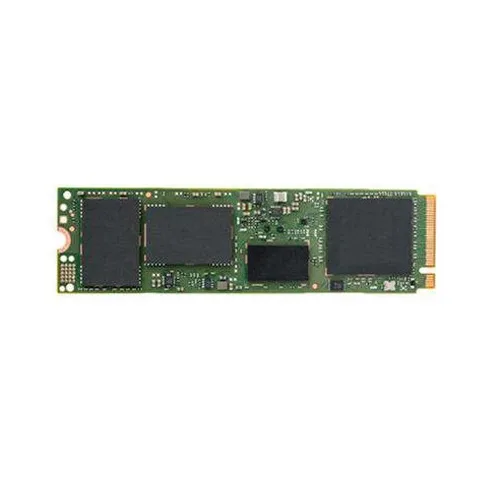 SSDSCKJB150G701 - Intel SSD DC S3520 150GB M.2 SATA 6Gb/s 3D NAND Solid State$168.03
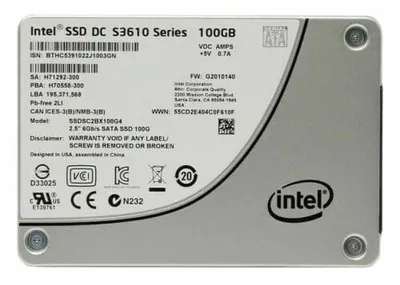 SSDSC2BX100G401 - Intel SSD DC S3610 Series 100GB SATA 6.0Gb/s 2.5-inch MLC$312.83
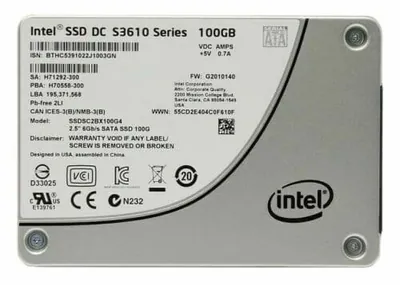 SSDSC2BX100G4 - Intel SSD DC S3610 Series 100GB SATA 6.0Gb/s 2.5-inch MLC Solid$304.20
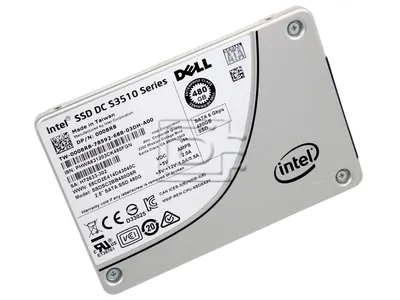 SSDSC2BX480G4 - Intel SSD DC S3610 Series 480GB SATA 6.0Gb/s 2.5-inch MLC Solid$124.00
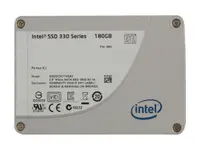 SSDSC2BX012T4 - Intel SSD DC S3610 Series 1.2TB SATA 6.0Gb/s 2.5-inch MLC Solid$158.40
 SSDSC2BG800G401 - Intel SSD DC S3610 Series 800GB SATA 6.0Gb/s 2.5-inch MLC$508.03
 FG-3000D-DC - Fortinet 16xSFP+ 10-Gig ports,1x480GB SSD internal storage$19,000.00
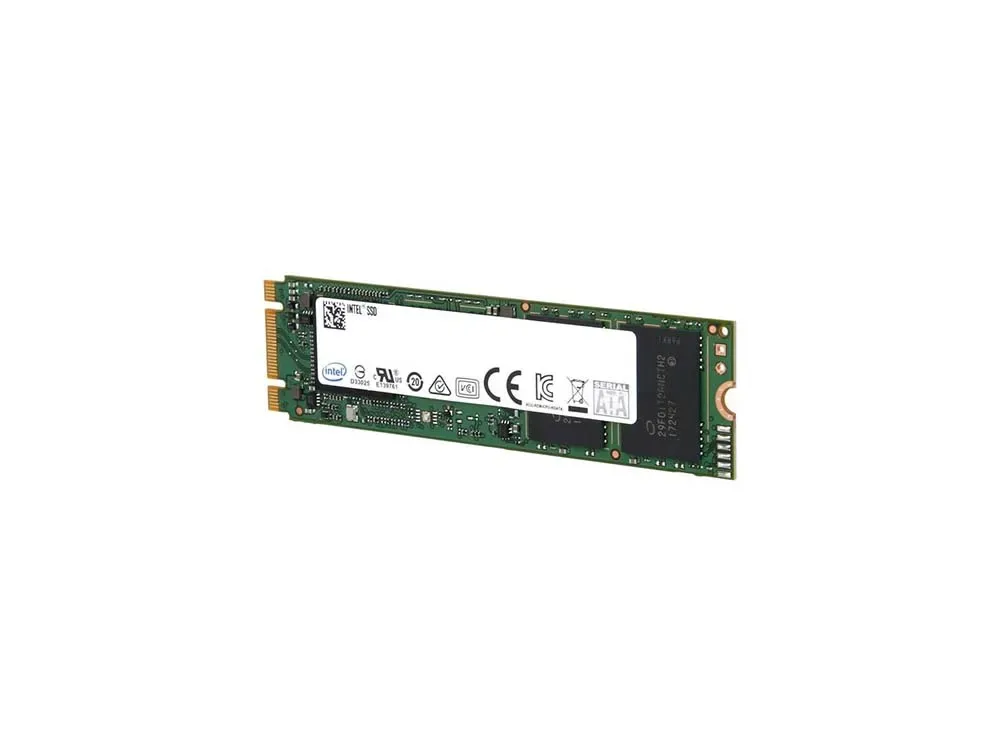 SSDSCKKI512G8 - Intel SSD DC S3110 512GB SATA 6Gb/s 3D NAND TLC M.2 Solid State
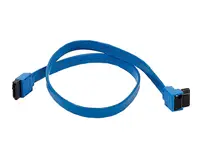 SSDSCKKI512G801 - Intel SSD DC S3110 512GB Triple-Level-Cell SATA 6Gb/s M.2
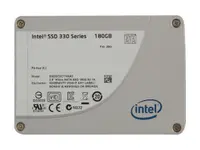 SSDSC2KI512G8 - Intel SSD DC S3110 512GB SATA 6Gb/s 3D NAND TLC 2.5-inch Solid
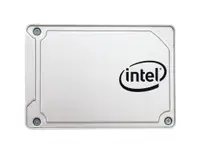 SSDSC2KI256G8 - Intel SSD DC S3110 256GB SATA 6Gb/s 3D NAND TLC 2.5-inch Solid
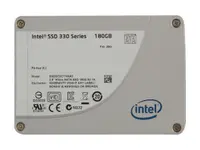 SSDSC2KI128G8 - Intel SSD DC S3110 128GB SATA 6Gb/s 3D NAND TLC 2.5-inch Solid$111.75
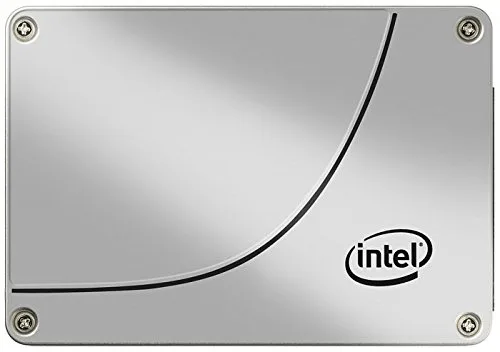 SSDSC2KG019T7R - Intel SSD DC S4600 1.9TB SATA 6Gb/s 3D NAND TLC 2.5-inch Solid$404.00
 SSDSC2KI512G801 - Intel SSD DC S3110 512GB SATA 6Gb/s 3D NAND TLC 2.5-inch$432.23
 SSDSC2KI256G801 - Intel SSD DC S3110 256GB SATA 6Gb/s 3D NAND TLC 2.5-inch$150.63
 SSDSC2KI128G801 - Intel SSD DC S3110 128GB SATA 6Gb/s 3D NAND TLC 2.5-inch$79.99
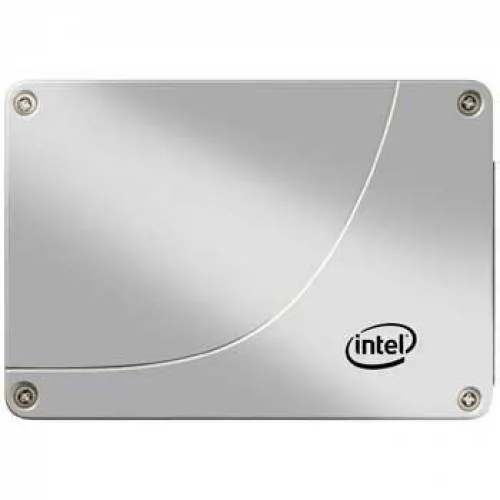 SSDSC2KG019T801 - Intel SSD DC S4600 1.9TB Triple-Level-Cell SATA 6Gb/s$414.40
 SSDSC2KG019T701 - Intel SSD DC S4600 1.9TB SATA 6Gb/s 3D NAND TLC 2.5-inch$390.40
Browse all 1,404 Data Center SSDs SKUs.
Data Center SSDs in stock, by capacity
Live count of Intel data centre SSDs that are priced, photographed and ready to ship, taken from our own catalogue on 11 October 2026. Prices are what you pay, not a list price.
| Capacity | Drives available | Price range | Average |
|---|---|---|---|
| 80GB | 58 | $78.23 – $1,013.02 | $240.83 |
| 120GB | 52 | $52.00 – $510.32 | $187.07 |
| 160GB | 54 | $52.00 – $1,253.93 | $322.73 |
| 180GB | 52 | $70.00 – $602.00 | $210.40 |
| 200GB | 32 | $68.00 – $684.85 | $267.35 |
| 240GB | 72 | $97.60 – $802.82 | $298.86 |
| 256GB | 20 | $112.00 – $969.98 | $240.37 |
| 400GB | 44 | $97.60 – $1,365.47 | $389.00 |
| 480GB | 65 | $124.00 – $1,116.35 | $344.19 |
| 800GB | 68 | $124.00 – $3,240.68 | $497.66 |
| 1TB | 112 | $145.60 – $3,060.20 | $625.24 |
| 2TB | 32 | $305.12 – $5,915.18 | $967.28 |
Need several of one capacity? Paste the part numbers into the quick order pad, or ask for a bulk quote.