Dell Hard Drive Trays and Caddies
Dell PowerEdge and PowerVault drive trays, caddies and sleds, by Dell part number
About Drive Caddies & Trays
Dell drive trays, also called caddies, carriers or sleds, listed by Dell part number. The range covers 3.5-inch and 2.5-inch SAS/SATA hot-swap trays for PowerEdge servers, SCSI sleds for older PowerEdge and PowerVault systems, trays for PowerVault and EqualLogic storage, blade-server trays and drive blanks.
Reading a Dell tray listing
- Size. A 3.5-inch (LFF) tray takes a 3.5-inch drive and a 2.5-inch (SFF) tray a 2.5-inch drive. The listing states the size.
- Interface. SAS/SATA trays are for current hot-swap bays; SCSI sleds are for Ultra320 and earlier systems.
- Leading zero. The same Dell number appears with and without a leading 0, for example F238F and 0F238F, so search both.
- Tray only. A tray listing is the tray. Drives listed with a tray say so in the name; see Dell server hard drives.
- Blanks. A blank fills an empty bay and holds no drive.
Many listings name the server, for example a tray named for the PowerEdge R710. The quickest check for your server is the part number on a tray already installed.
Drive trays by server model
PowerEdge R610 · PowerEdge R620 · PowerEdge R630 · PowerEdge R710 · PowerEdge R720 · PowerEdge R730 · PowerEdge R320 · PowerEdge R430
Send us your server model and the part number; we confirm compatibility before the order ships. Trays for other makers are on server drive caddies.
Featured Drive Caddies & Trays Products
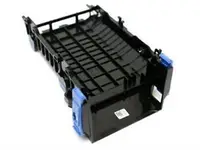 N915D - Dell Hard Drive Tray for OptiPlex 960$127.16
 3C453 - Dell Hard Drive Tray for Latitude D800$82.42
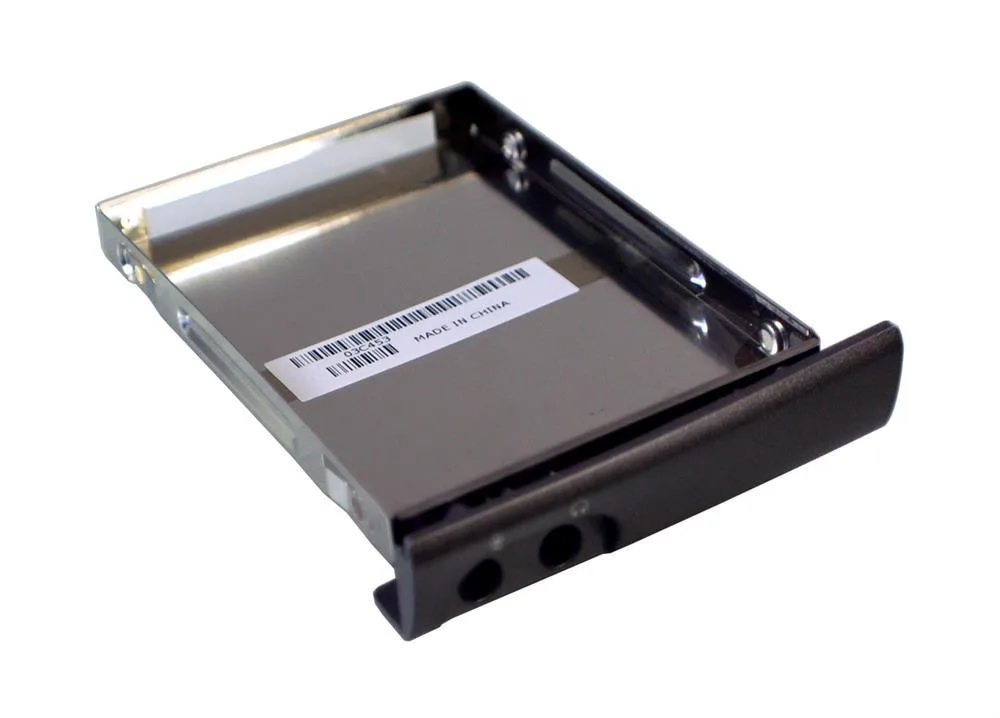 03C453 - Dell Hard Drive Tray for Latitude D800$82.42
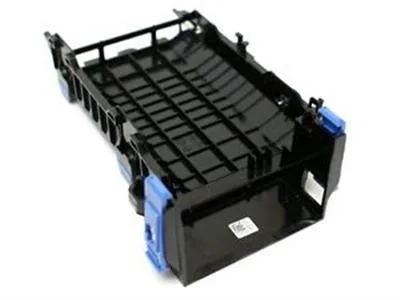 0N915D - Dell Hard Drive Tray for OptiPlex 960$127.16
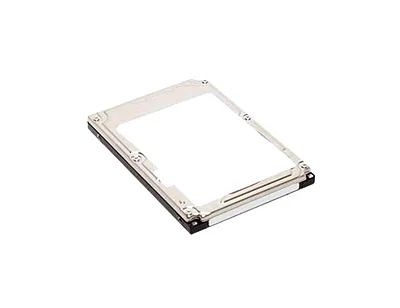 PJ912 - Dell Hard Drive Tray Caddy 2.5-inch SFF$68.93
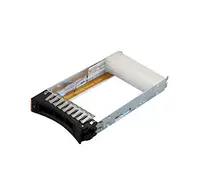 0PJ912 - Dell Hard Drive Tray Caddy 2.5-inch SFF$115.17
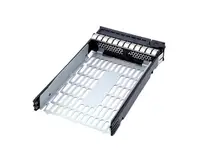 0XX731 - Dell Hard Drive Tray / Caddy for Latitude E6500 Laptop$107.13
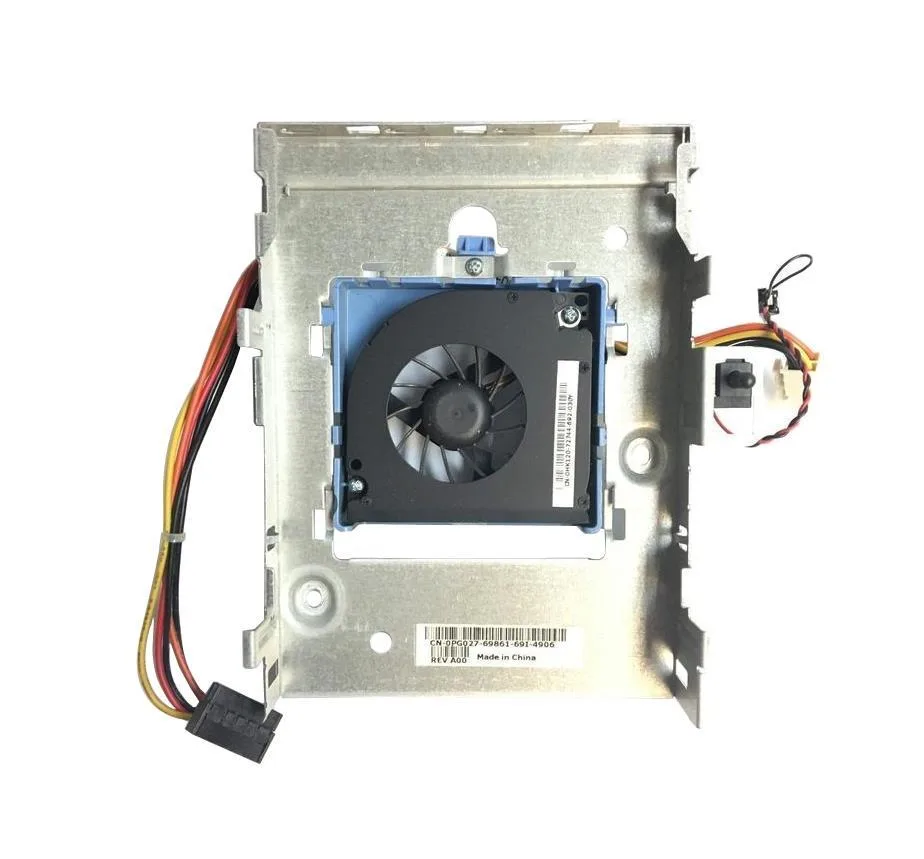 0Y010G - Dell Hard Drive Tray with Fan for OptiPlex Gx760$45.76
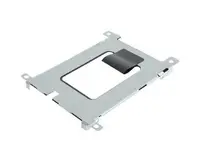 XX731 - Dell Hard Drive Tray / Caddy for Latitude E6500 Laptop$107.13
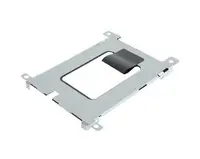 K833F - Dell Hard Drive Tray / Caddy for Latitude E6500 Laptop$107.13
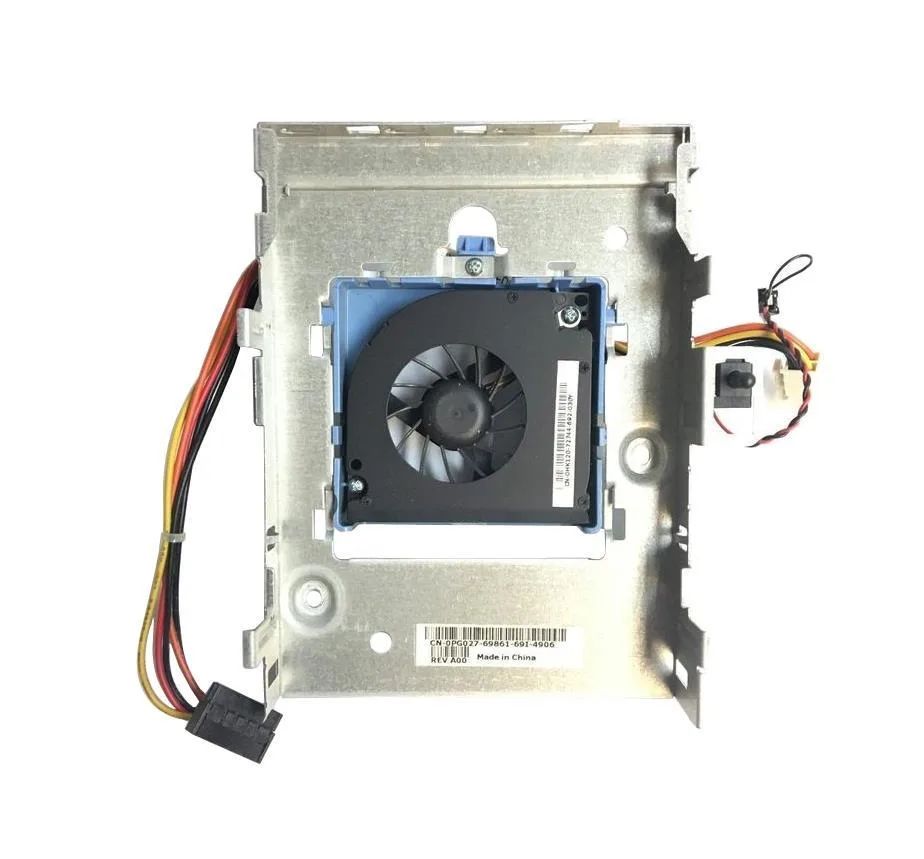 Y010G - Dell Hard Drive Tray with Fan for OptiPlex Gx760$45.76
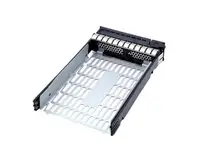 0K833F - Dell Hard Drive Tray / Caddy for Latitude E6500 Laptop$107.13
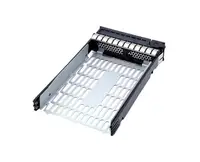 0N522F - Dell Hard Drive Tray / Caddy for Latitude E6320 Series Laptop$107.13
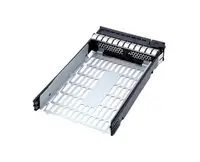 0PG027 - Dell Hard Drive Tray Fan Assembly for Optiplex 745/755$97.14
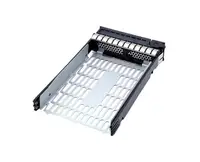 0P113H - Dell Hard Drive Tray Fan Assembly for Optiplex 745/755$82.42
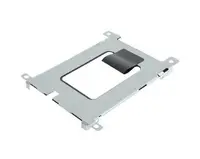 N522F - Dell Hard Drive Tray / Caddy for Latitude E6320 Series Laptop$107.13
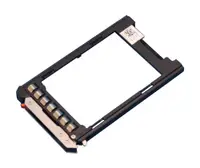 JV1MV - Dell Hard Drive Tray / Caddy 1.8-inch foDell PowerEdge M420$47.37
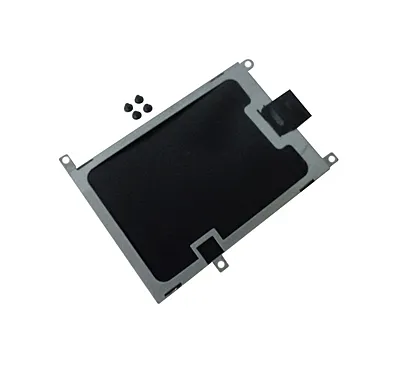 0JV1MV - Dell Hard Drive Tray / Caddy 1.8-inch foDell PowerEdge M420$162.11
407 priced listings.