Dell SATA Hard Drives
Dell-labelled SATA drives for PowerEdge servers and Dell desktops and workstations
About SATA Hard Drives
Dell SATA hard drives are ordered far more often by part number than by specification, and with good reason: the Dell label matters to how the drive is identified and managed once it is in the machine.
Reading a Dell drive part number
Dell uses two conventions side by side, and both appear throughout our stock:
- Five-character alphanumeric codes such as UD313 or JP208 — the most common form on drive labels
- Three-part numeric codes such as 341-3860 — typically the orderable Dell SKU
Either will identify a drive precisely, which is why we list both wherever the label carries them. If you are replacing a failed disk, the part number on the existing drive is the most reliable thing to search on.
Hot-plug versus internal
A portion of our Dell SATA stock is hot-pluggable, meaning it was fitted to a PowerEdge carrier. The tray design changed across PowerEdge generations, so a hot-plug drive taken from one generation will not necessarily seat in another. Drives destined for OptiPlex, Precision and similar desktop chassis are usually non-hot-plug and mount conventionally. Caddies are listed separately on our Dell drive caddy page.
Speeds and interface generations
Most Dell SATA drives we carry are 7200RPM, with a substantial number of 5400RPM units, largely 2.5-inch. Interface generations span 1.5Gb/s, 3Gb/s and 6Gb/s, and all three interoperate — a faster drive simply negotiates down in an older port.
Whether a non-Dell drive will report correctly through iDRAC or a PERC controller depends on the controller and firmware involved, so we do not make blanket claims either way. Give us your service tag or the part number you are replacing and we will confirm what fits.
Featured SATA Hard Drives Products
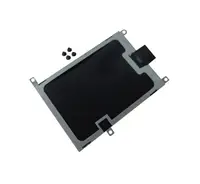 0FP444 - Dell SATA Hard Drive Caddy for Laptop$74.40
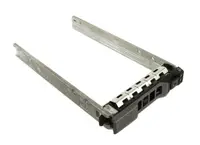 FP444 - Dell SATA Hard Drive Caddy for Laptop$69.54
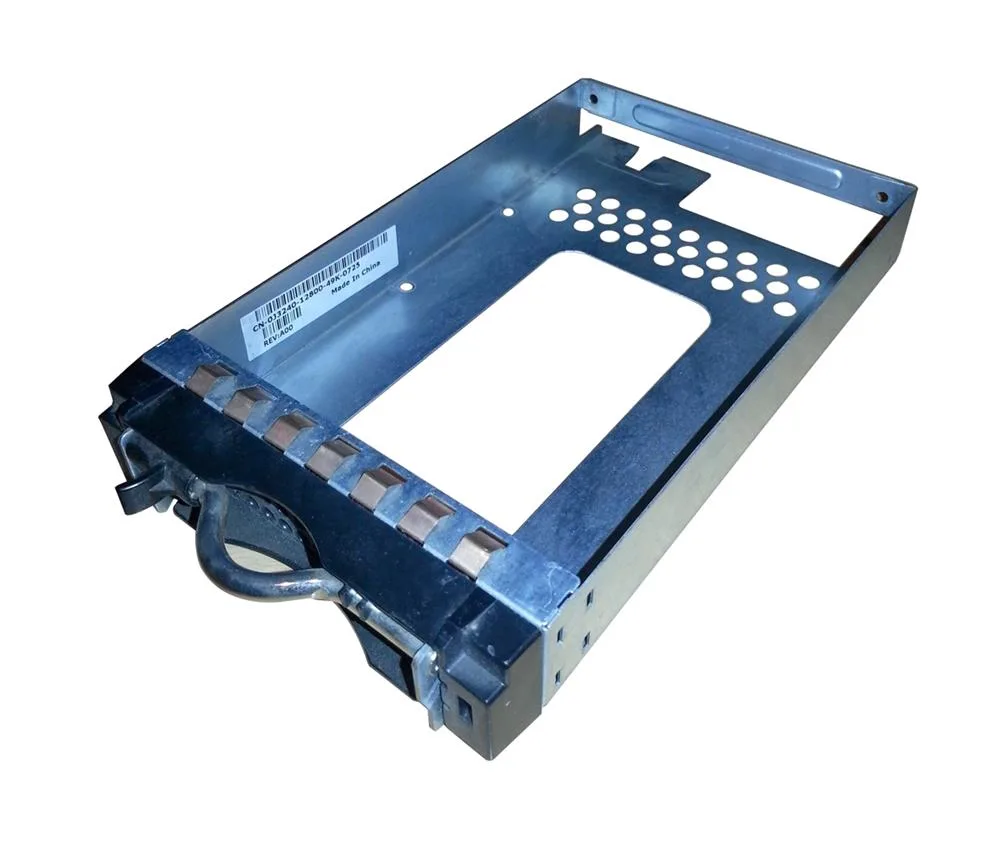 0J3240 - Dell SATA Hard Drive Tray/Caddy with Screws$60.41
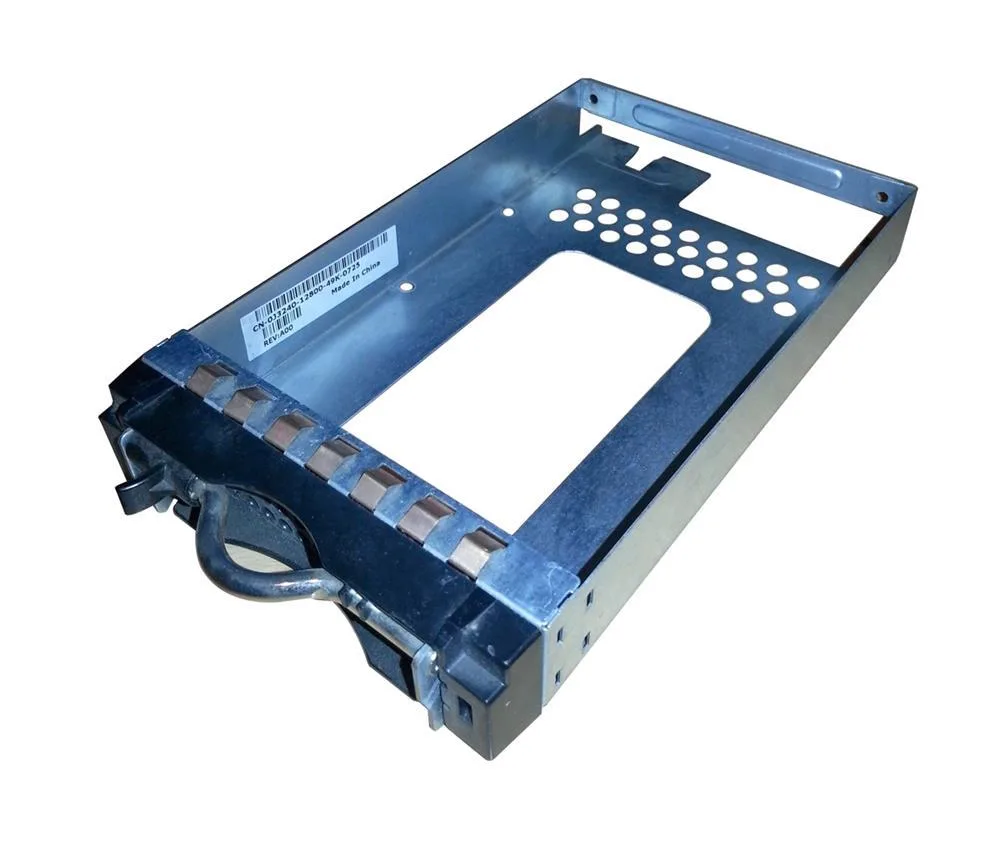 J3240 - Dell SATA Hard Drive Tray/Caddy with Screws$54.40
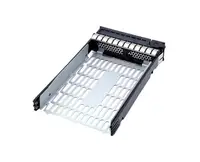 0WXW79 - Dell SATA Hard Drive Tray Caddy for PowerEdge R630$117.39
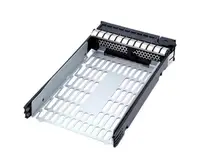 WXW79 - Dell SATA Hard Drive Tray Caddy for PowerEdge R630$112.51
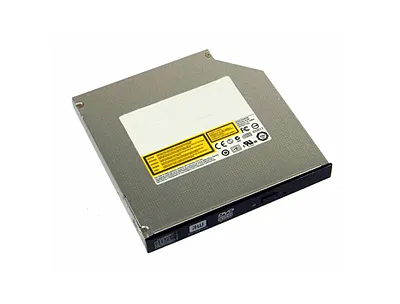 00WJ9P - Dell EqualLogic SATA Hard Drive Caddy$191.63
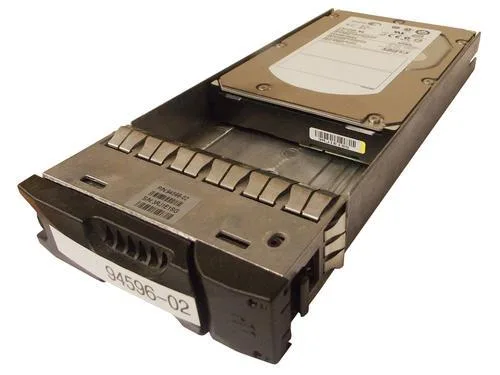 0WJ9P - Dell EqualLogic SATA Hard Drive Caddy$193.33
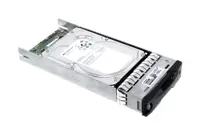 N0JT4X5 - Dell 2TB 7200RPM SATA Hard Drive$204.21
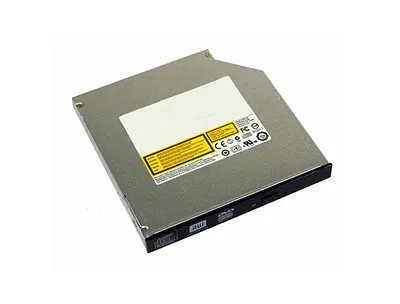 0U5959 - Dell 8-Inch SATA Hard Drive Cable$103.24
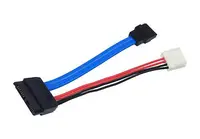 U5959 - Dell 8-Inch SATA Hard Drive Cable$85.13
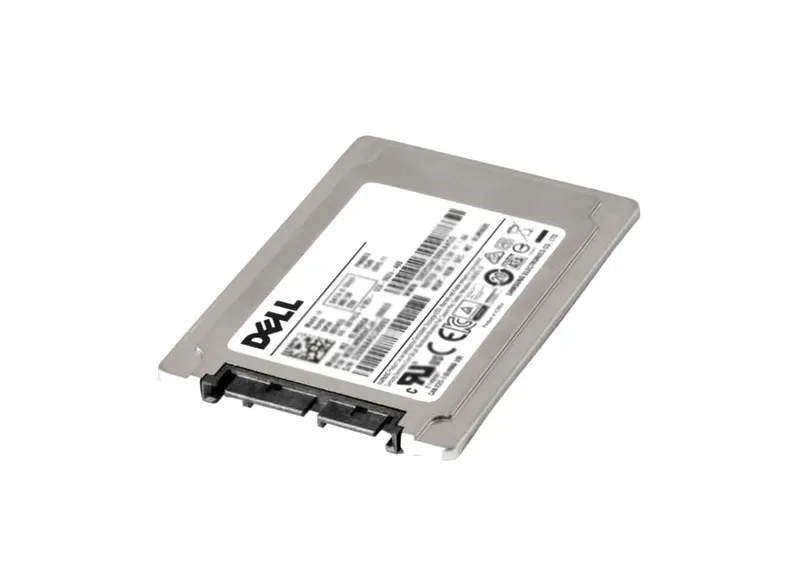 X799C - Dell 64GB SATA SSD Hard Disk Drive
 UK230 - Dell 64GB SATA SSD Hard Disk Drive
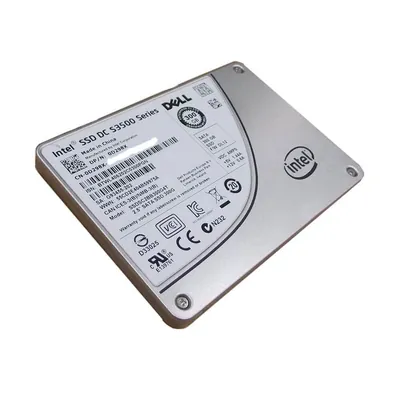 U270D - Dell 64GB SATA SSD Hard Disk Drive$164.49
 P380G - Dell 64GB SATA SSD Hard Disk Drive
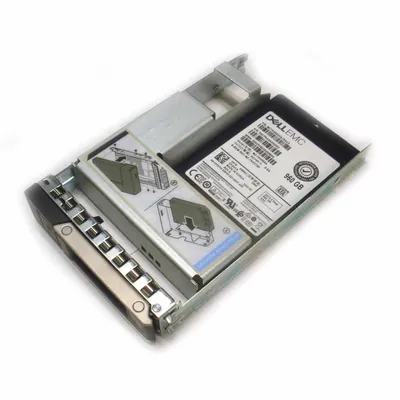 J533H - Dell 64GB SATA SSD Hard Disk Drive$196.87
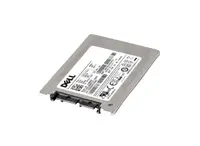 FU634 - Dell 64GB SATA SSD Hard Disk Drive
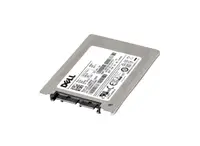 F635F - Dell 64GB SATA SSD Hard Disk Drive
Browse all 53,189 SATA Hard Drives SKUs.
Most-searched SATA Hard Drives part numbers
The Dell SATA hard drives that US buyers look up most often on Google, from our own Search Console data. Every part listed is priced, photographed and in stock as of 7 October 2026.
| Part number | Description | Price |
|---|---|---|
| 0GCHH1 | Dell 4TB 7200RPM SATA 6Gb/s 64MB Cache 3.5-inch Hard Drive with Tray | $234.45 |
| XPJ47 | Dell 4TB 7200RPM SATA 6Gb/s 3.5-inch Hard Drive | $224.00 |
| 400-AXZH | Dell 14TB SATA 6Gb/s 7200RPM 256MB Cache 512e 3.5-inch Hot-Pluggable Hard Drive | $644.00 |
| 400-AUYJ | Dell 1TB 7200RPM SATA 6Gb/s 512n Hot-Pluggable 2.5-inch Hard Drive with Tray for PowerEdge FC640 / M640 Server | $359.35 |
| 400-BDKV | Dell 12TB 7200RPM SATA 6Gb/s Hot-Pluggable 3.5-inch Hard Drive | $792.21 |
| 54NH0 | Dell 500GB 5400RPM SATA 3Gb/s 8MB Cache 2.5-inch Hard Drive | $147.31 |
| J14NP | Dell 500GB 7200RPM SATA 6Gb/s 2.5-inch Hard Drive | $219.58 |
| 341-9001 | Dell 1TB 7200RPM SATA 3Gb/s 16MB Cache Hard Drive for Precision T3500 | $186.60 |
| 095M6K | Dell 4TB SATA 6Gb/s 7200RPM 512e 3.5-inch hard Drive for 14Gen Server Hard Drive | $312.23 |
| WCJ3G | Dell 2TB 7200RPM SATA 6Gb/s 512N Hot-Swappable 2.5-inch Hard Drive | $209.60 |
| GRGT4 | Dell 160GB 7200RPM SATA 2.5-inch Laptop hard Drive for Latitude E6420Hard Drive | $190.13 |
| 40DF5 | Dell 4TB 7200RPM SATA 6Gb/s (512n) Hot-Swappable 3.5-inch Hard Drive | $248.00 |
SATA Hard Drives in stock, by capacity
Live count of Dell SATA drives that are priced, photographed and ready to ship, taken from our own catalogue on 7 October 2026. Prices are what you pay, not a list price.
| Capacity | Drives available | Price range | Average |
|---|---|---|---|
| 40GB | 187 | $47.82 – $380.69 | $98.83 |
| 60GB | 254 | $37.79 – $478.72 | $152.03 |
| 80GB | 863 | $39.72 – $475.45 | $120.97 |
| 100GB | 194 | $56.81 – $1,021.77 | $148.23 |
| 120GB | 542 | $39.05 – $641.07 | $151.14 |
| 160GB | 1,001 | $46.35 – $997.97 | $152.16 |
| 250GB | 951 | $36.00 – $793.36 | $160.34 |
| 320GB | 575 | $48.06 – $720.71 | $168.08 |
| 500GB | 948 | $41.60 – $3,164.32 | $215.26 |
| 750GB | 266 | $48.68 – $4,631.47 | $286.57 |
| 1TB | 675 | $41.60 – $4,107.43 | $265.55 |
| 2TB | 459 | $72.00 – $6,123.21 | $321.59 |
Need several of one capacity? Paste the part numbers into the quick order pad, or ask for a bulk quote.