Dell Server Drive Caddies & Trays
Hot-swap 2.5" SFF and 3.5" LFF drive trays for every Dell PowerEdge generation
About Drive Caddies & Trays
Every Dell PowerEdge server requires the correct drive caddy (tray/carrier) to install hard drives and SSDs. The caddy slides into the server's hot-swap bay and connects the drive to the backplane — without it, the drive won't mount or be detected.
We stock Dell drive caddies for every PowerEdge generation — from legacy 11th Gen (R710) through current 16th Gen (R760). All caddies include mounting screws and are tested for hot-swap compatibility.
Dell Drive Caddy Quick Reference
- DXD9H / 0DXD9H — 2.5" SFF caddy for 14th/15th/16th Gen (R740, R640, R750, R760) — most popular
- X7K8W / 0X7K8W — 3.5" LFF caddy for 14th/15th Gen (R740xd, R540)
- G176J / 0G176J — 2.5" SFF caddy for 11th/12th/13th Gen (R720, R730, R630)
- F238F / 0F238F — 3.5" LFF caddy for 11th/12th/13th Gen (R720, R730)
- NVMe U.2 caddies — special trays for NVMe drives in express flash bays
Not sure which caddy fits your server? Check the generation sticker on the front bezel or contact us with your service tag.
Featured Drive Caddies & Trays Products
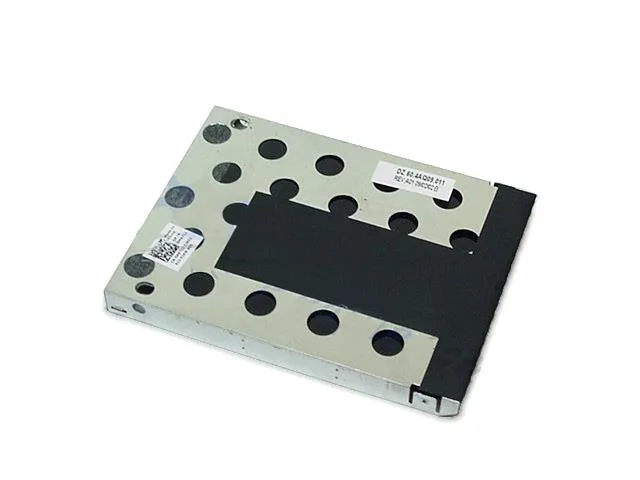 M671J - Dell Hard Drive Caddy Tray$59.32
 0M671J - Dell Hard Drive Caddy Tray$63.18
 RH991 - Dell Caddy / Tray for Hard Drive$77.62
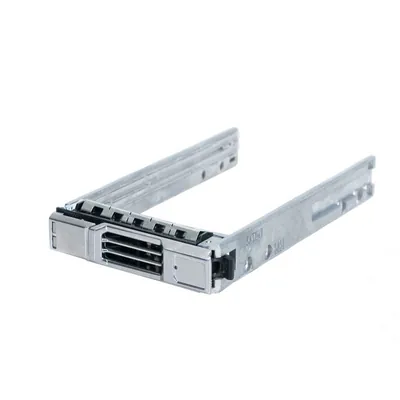 0RH991 - Dell Caddy / Tray for Hard Drive$107.03
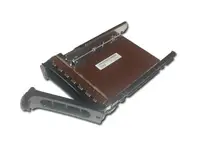 HK007 - Dell Hard Disk Drive HDD Caddy / Tray$82.88
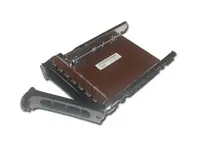 0HK007 - Dell Hard Disk Drive HDD Caddy / Tray$77.21
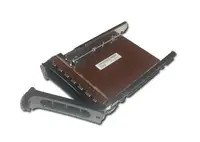 T089C - Dell Caddy / Tray for Hard Disk Drive$75.86
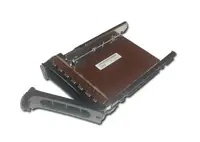 0T089C - Dell Caddy / Tray for Hard Disk Drive$103.85
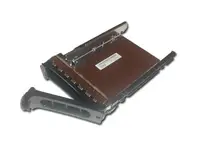 MN373 - Dell Caddy / Tray for Hard Disk Drive$64.93
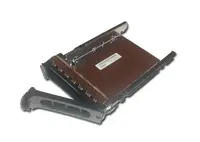 K5210 - Dell Caddy / Tray for Hard Disk Drive$91.87
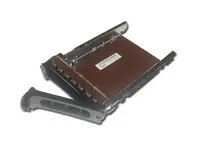 F449D - Dell Caddy / Tray for Hard Disk Drive$89.17
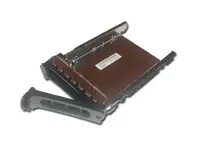 DJ912 - Dell Caddy / Tray for Hard Disk Drive$97.41
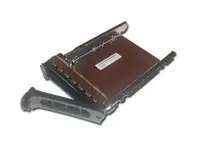 0MN373 - Dell Caddy / Tray for Hard Disk Drive$69.21
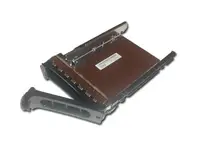 0F449D - Dell Caddy / Tray for Hard Disk Drive$84.31
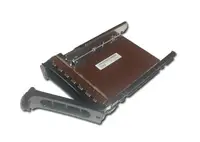 0DJ912 - Dell Caddy / Tray for Hard Disk Drive$80.77
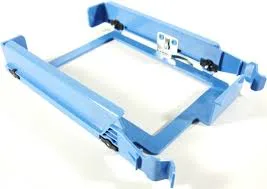 YJ221 - Dell Caddy / Tray for Hard Disk Drive$41.60
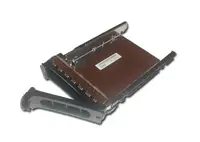 Y9255 - Dell Caddy / Tray for Hard Disk Drive$56.77
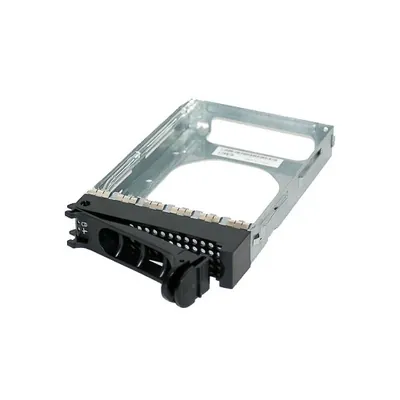 XJ418 - Dell Caddy / Tray for Hard Disk Drive$51.81
Browse all 4,363 Drive Caddies & Trays SKUs.
Frequently Asked Questions
How do I know which Dell drive caddy I need?
Dell caddies are generation-specific. 14th Gen and newer (R740, R640, R750, R760) use DXD9H (2.5") or X7K8W (3.5"). 11th-13th Gen (R720, R730, R630) use G176J (2.5") or F238F (3.5"). The part number is printed on the existing caddy — match it exactly. You can also identify your generation from the Dell service tag.
Can I use a 2.5" SSD in a 3.5" Dell caddy?
Yes, with a 2.5" to 3.5" adapter bracket (Dell part 9W8C4). The bracket mounts the 2.5" drive into the 3.5" tray. This is common when installing SSDs in servers designed for 3.5" LFF drives. The adapter and caddy are sold separately.
Are Dell drive caddies interchangeable between models?
Within the same generation, yes. A DXD9H caddy from an R740 fits an R640, R540, or any other 14th Gen PowerEdge. However, caddies are NOT interchangeable between generations — a 14th Gen caddy will not fit a 13th Gen server. Always match the caddy to your server generation.
Do Dell drive caddies come with screws?
Yes. All our Dell drive caddies include the four mounting screws needed to secure the drive to the tray. No additional hardware is required — just slide the drive in, secure with the screws, and insert into the hot-swap bay.