Drive Expansion Enclosures and Disk Shelves
Add capacity to an existing array without replacing the controller
About Drive Expansion Enclosures
An expansion enclosure — often called a disk shelf — is a chassis full of drive bays with no compute of its own. It attaches to a controller, a RAID head or a server HBA and presents its drives to that host. When an array runs out of capacity, adding a shelf is usually far cheaper than replacing the head unit.
How they attach
- SAS — the common attachment on modern shelves, usually via SFF-8088 or SFF-8644 external ports. Shelves are frequently daisy-chained, and the controller sets how many can be chained.
- Fibre Channel — found on the older enterprise arrays, typically 2Gb or 4Gb, and still in service where an FC fabric already exists.
The attachment is not interchangeable. A SAS shelf cannot be presented to an FC controller, and vice versa, regardless of the drives inside.
Bay counts in stock
The common configurations we hold are 12-bay and 24-bay 3.5-inch and 2.5-inch shelves, with 15-bay and 16-bay units from the Fibre Channel era. Bay count is the first thing to match, because it determines both the rack units consumed and the drive carriers required.
Carriers are the part people forget
A shelf takes drives in carriers specific to that enclosure family. A bare drive will not seat, and a carrier from a different vendor or generation usually will not either. Budget for carriers unless the shelf is supplied populated — see our drive caddies and trays.
Firmware and controller pairing
Enclosures report themselves to the controller through SES, and a controller will generally only manage shelves it recognises. Pairing a shelf with a controller from a different family is the most common reason a physically-connected enclosure never appears.
Tell us the controller or array head you are expanding and we will match the shelf, the attachment type and the carriers together rather than leaving the pairing to chance.
Featured Drive Expansion Enclosures Products
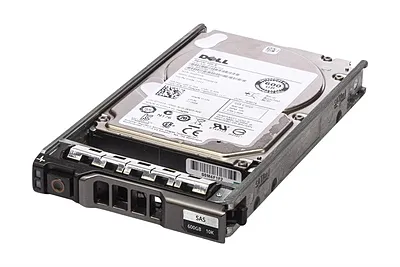 0SC200 - Dell Compellent SC220 24x 600GB 2x EMM Controller SAS Hard Drive$462.13
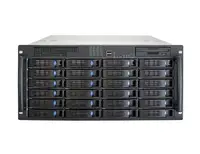 SC200 - Dell Compellent SC220 24x 600GB 2x EMM Controller SAS Hard Drive$324.00
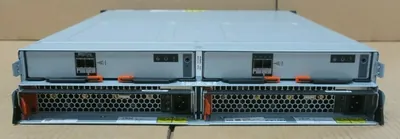 2072-24E - IBM V3700 Expansion (2072SEU) Storwize Disk 2.5inch Expansion$172.00
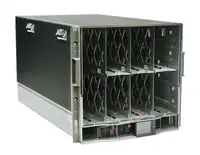 90Y7690 - IBM Flex System V7000 Expansion Enclosure$804.00
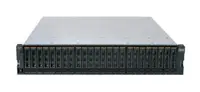 2072SEU - IBM Storwize V3700 SFF Expansion Enclosure$464.45
 35311RU - IBM Netfinity EXP300 Storage Expansion Enclosure$114.92
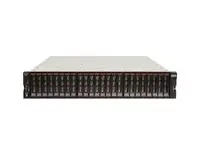 6535N1F - Lenovo Storage V3700 V2 LFF Expansion Enclosure$3,281.47
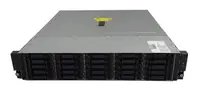 64111B2 - Lenovo Storage E1012 LFF Disk Expansion Enclosure$2,397.02
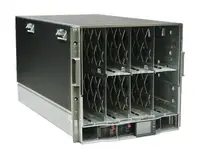 1750-EX2 - IBM System Storage DS6000 Expansion Enclosure$358.40
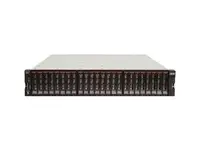 6535N2F - Lenovo SFF Expansion Enclosure for Storage V3700 V2$3,150.12
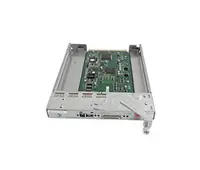 59P4866 - IBM Enclosure Services Module for EXP400 Storage Expansion Unit$92.00
 408631-002 - HP Coupler Plate for ProLiant Expansion Blade Enclosure$56.00
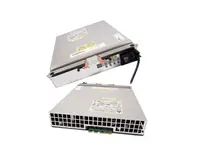 81Y2439 - IBM 1452-Watts Power Supply for EXP5060 Storage Expansion Enclosure$213.19
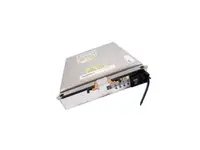 81Y2435 - IBM 1452-Watts Power Supply for EXP5060 Storage Expansion Enclosure$350.85
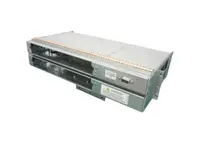 A6434-60003 - HP Core I/O Enclosure for RP8620 Server Expansion Unit$491.11
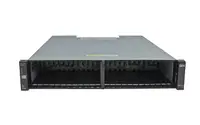 2076-224 - IBM 24-Bay 2.5-inch Expansion Enclosure for Storwize V7000$134.40
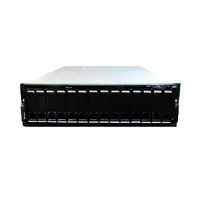 1710-10U - IBM 14-Slot Disk Enclosure SATA-150 FastT EXP100 Expansion Unit$635.15
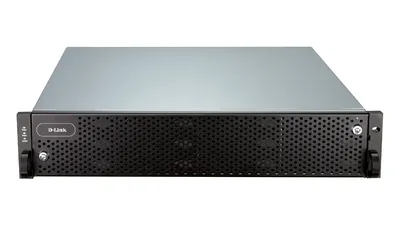 DSN-6020 - D-Link 12-Bay 2U Rack-mount Expansion Enclosure for DSN-6000 Series$4,729.54
Browse all 315 Drive Expansion Enclosures SKUs.