Dell Server Processors
Intel Xeon CPUs for PowerEdge servers, by Dell part number or Intel spec code
About Server Processors
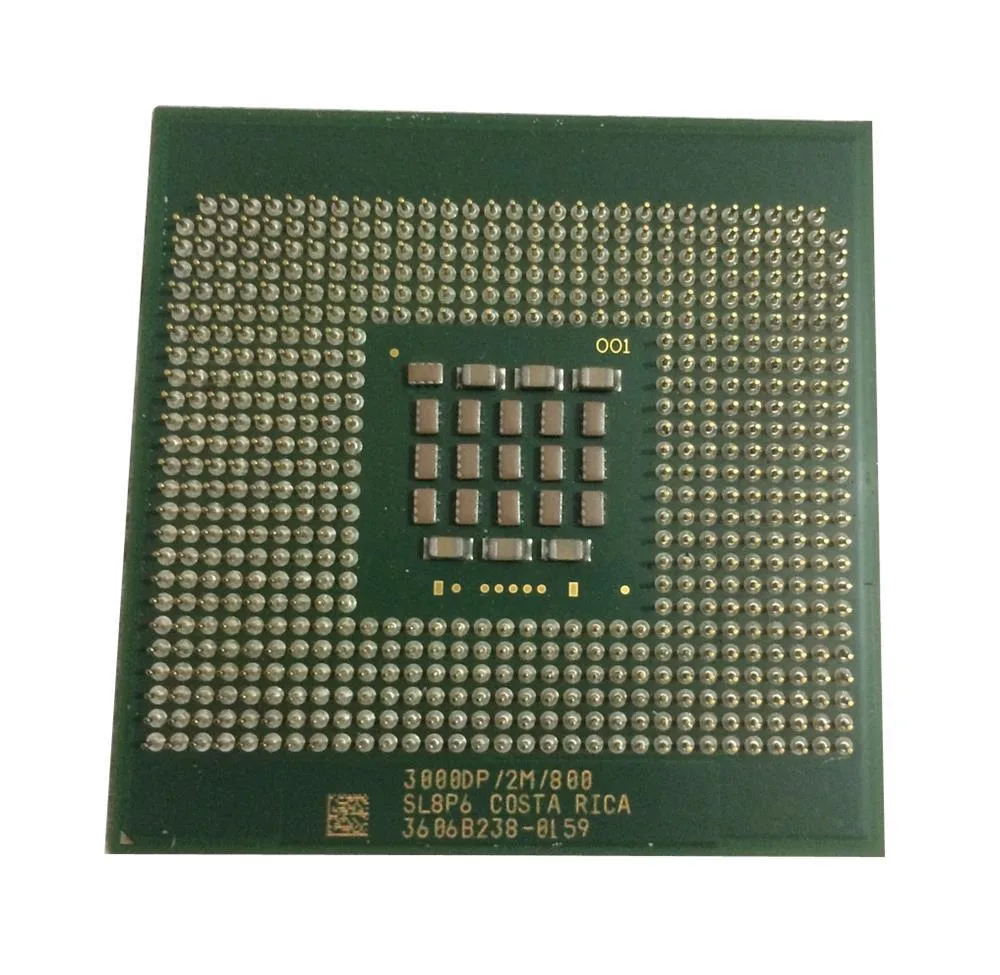
Dell PowerEdge processors can be identified two ways, and it is worth knowing both. Dell assigns its own part number, historically in the 311-xxxx and 3xx-xxxx ranges and more recently as a five-character alphanumeric code. The processor itself also carries an Intel spec code beginning SL or SR, printed on the heat spreader.
Which number to search on
If you are replacing a failed CPU, the Dell part number is the safer identifier because it reflects the exact part Dell qualified for that platform. If you only have the chip in your hand, the Intel spec code will pin down the frequency, cache and stepping precisely, which is often enough.
What is in stock
- Intel Xeon E5-2600 and E5-2600 v2 families, the volume parts for 12th and 13th generation PowerEdge
- Xeon 5000 and 5500 series for the earlier LGA1366 platforms
- Socket PPGA604, LGA1366, LGA2011 and FCLGA2011
- Low-voltage L-series and higher-clocked X-series parts alongside the standard E-series
Matching a processor to a PowerEdge
PowerEdge generations are tied closely to socket and chipset, and the BIOS will only run the processor families it was validated for. In a two-socket server both processors must be identical. A second processor also requires its own heatsink, and on several PowerEdge models the shroud and fan complement change when the second socket is populated.
Because each processor owns its own memory channels, half the DIMM slots on a two-socket board stay inactive until the second CPU is fitted. Dell server memory covers that side of the upgrade.
Tell us the PowerEdge model and generation and we will confirm the processor together with the heatsink it needs.
Featured Server Processors Products
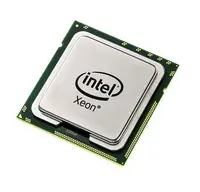 WK714 - Dell 1.6GHz Intel Xeon Processor$109.48
 0WK714 - Dell 1.6GHz Intel Xeon Processor$111.98
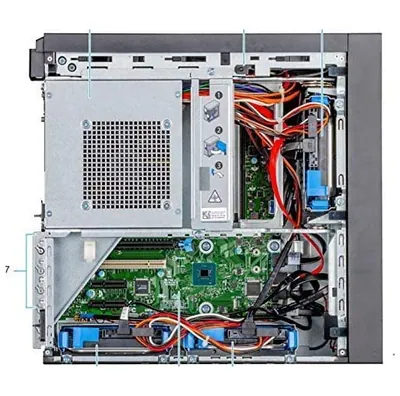 TD120 - Dell 2.8GHz Intel Xeon Processor$144.00
 DY255 - Dell 3GHz Intel Xeon Processor$124.01
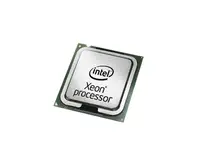 DY219 - Dell 3GHz Intel Xeon Processor$98.23
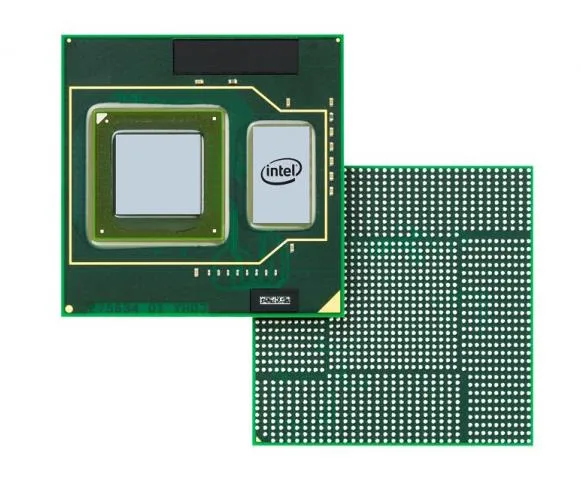 0TD120 - Dell 2.8GHz Intel Xeon Processor$87.81
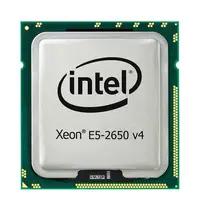 0DY255 - Dell 3GHz Intel Xeon Processor$124.01
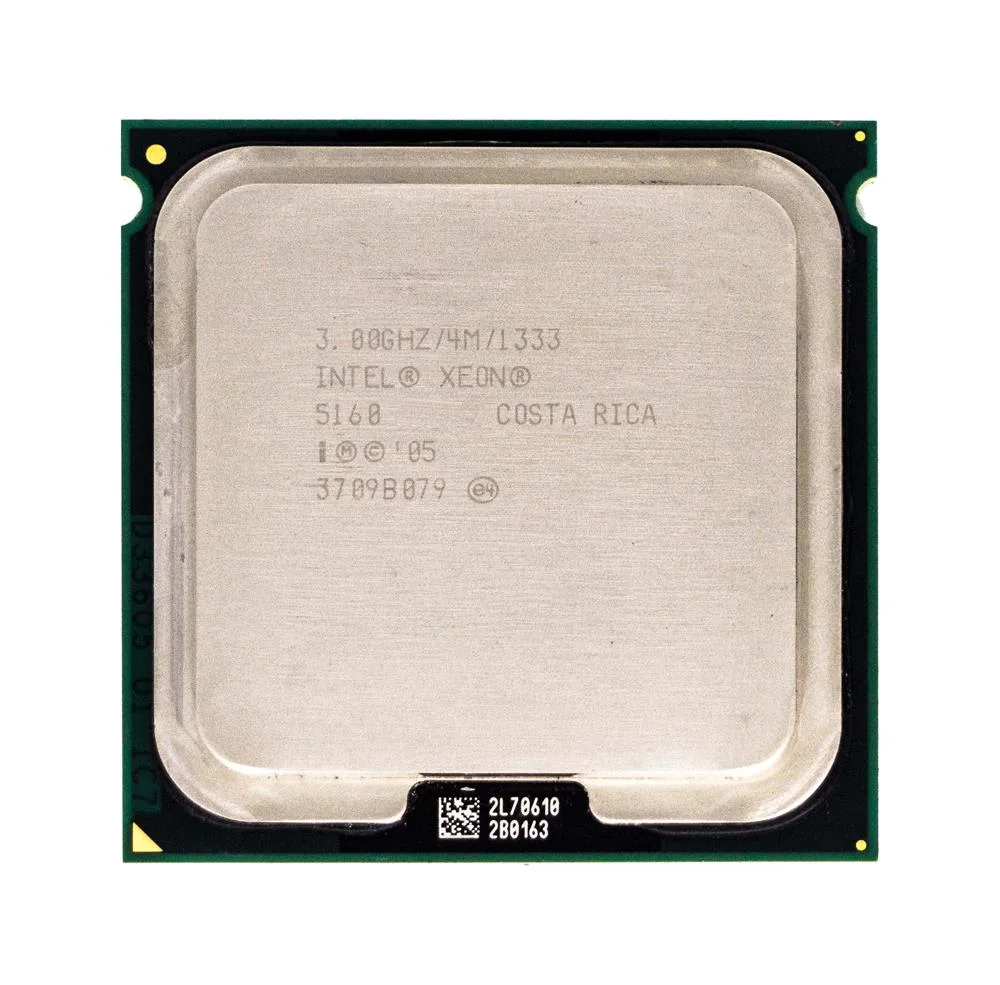 0DY219 - Dell 3GHz Intel Xeon Processor$139.67
 8J592 - Dell 1.8GHz Intel Xeon Processor$91.43
 08J592 - Dell 1.8GHz Intel Xeon Processor$107.04
 R8215 - Dell 3GHz Intel Xeon Processor$83.55
 0R8215 - Dell 3GHz Intel Xeon Processor$113.62
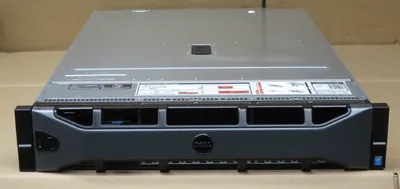 Dell PER730XDSH16-E52640V3 Poweredge Per730Xdsh16-E52640V3 2U Rackmount Server$1,344.00
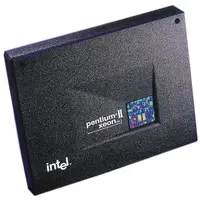 8979D - Dell 400MHz 512K Intel Xeon Processor$141.29
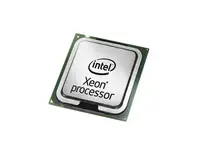 08979D - Dell 400MHz 512K Intel Xeon Processor$104.56
 GH378 - Dell 2.8GHz 800MHz Intel Xeon Processor$78.61
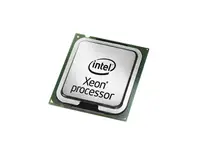 0GH378 - Dell 2.8GHz 800MHz Intel Xeon Processor$106.80
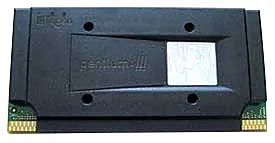 GH377 - Dell 3GHz 800MHz Intel Xeon Processor
Browse all 34,803 Server Processors SKUs.