Dell Server Memory — PowerEdge Compatible RAM
DDR4 & DDR5 ECC RDIMM modules for Dell PowerEdge servers
About Server Memory
Upgrading Dell PowerEdge server memory is the fastest way to boost virtualization density, database performance, and application responsiveness. We stock Dell-compatible DDR4 and DDR5 ECC RDIMMs for every PowerEdge generation from R630/R730 through R660/R760.
All memory modules are tested against Dell's specification requirements and ship ready for plug-and-play installation. Whether you're adding DIMMs to empty slots or upgrading to higher-capacity modules, we ensure compatibility before it ships.
Popular Dell Server Memory Configurations
- R640/R740 Gen14 — DDR4-2666 or DDR4-2933 RDIMM, 24 slots, up to 1.5 TB max
- R650/R750 Gen15 — DDR4-3200 RDIMM, 16-32 slots, up to 2 TB max
- R660/R760 Gen16 — DDR5-4800 RDIMM, 16-32 slots, up to 4 TB max with LRDIMM
Need help with memory population rules? Dell requires balanced channel configuration for optimal performance. Contact us with your server service tag and we'll recommend the exact configuration.
Featured Server Memory Products
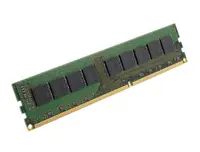 M393A1K43DB1-CVF Samsung DDR4-2933 8GB/1Gx8 ECC/REG Server Memory$184.21
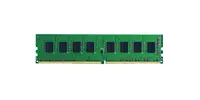 RAM-8GDR4ECP0-UD-2666 QNAP DDR4-2666 8GB ECC Server Memory$265.55
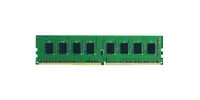 F24RA4GM Super Talent DDR4-2400 4GB ECC/REG Micron Chip Server Memory$122.08
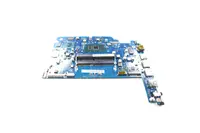 F24RA16GS Super Talent DDR4-2400 16GB ECC/REG Samsung Chip Server Memory$122.08
 CT16G4RFD832A.18FE1 Crucial DDR4-3200 16GB/2Gx72 ECC/REG CL22 Server Memory$360.93
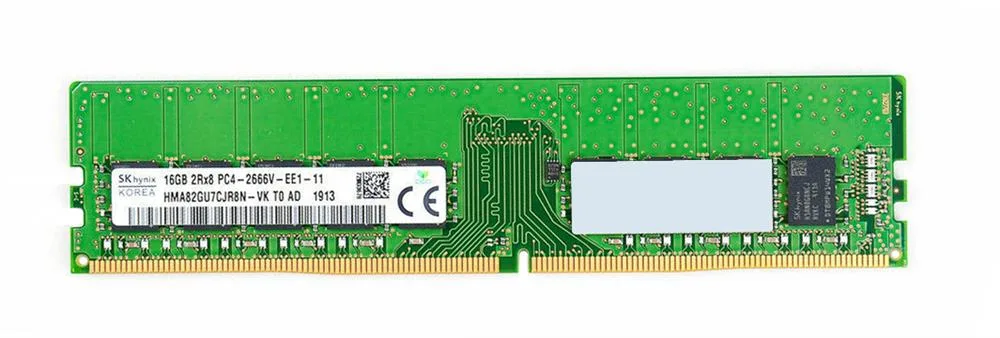 HMA82GU7CJR8N-VK SK hynix DDR4-2666 16GB/2Gx72 ECC CL19 Server Memory$373.68
 0KX11M - Dell DDR4 System Board (Motherboard) for PowerEdge T430 Server$1,255.58
 0F93J7 - Dell DDR4 System Board (Motherboard) for PowerEdge R330 Server$548.82
 F93J7 - Dell DDR4 System Board (Motherboard) for PowerEdge R330 Server$218.95
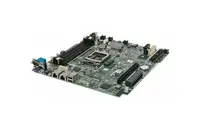 0H5N7P - Dell DDR4 System Board (Motherboard) for PowerEdge R330 Server$663.16
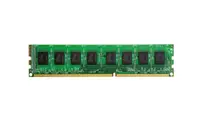 H5N7P - Dell DDR4 System Board (Motherboard) for PowerEdge R330 Server$242.11
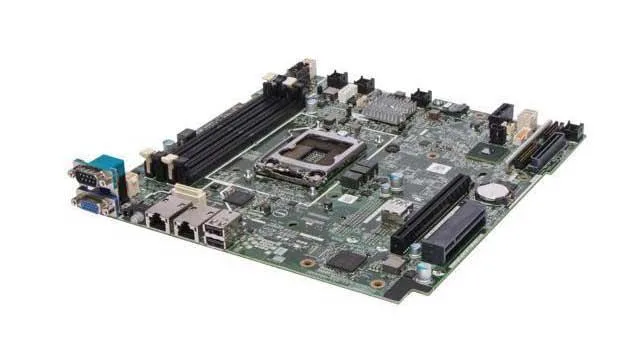 0FF8V4 - Dell DDR4 System Board (Motherboard) for PowerEdge R330 Server$560.25
 FF8V4 - Dell DDR4 System Board (Motherboard) for PowerEdge R330 Server$212.63
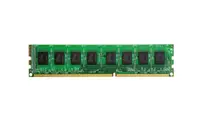 084XW4 - Dell DDR4 System Board (Motherboard) for PowerEdge R330 Server$809.64
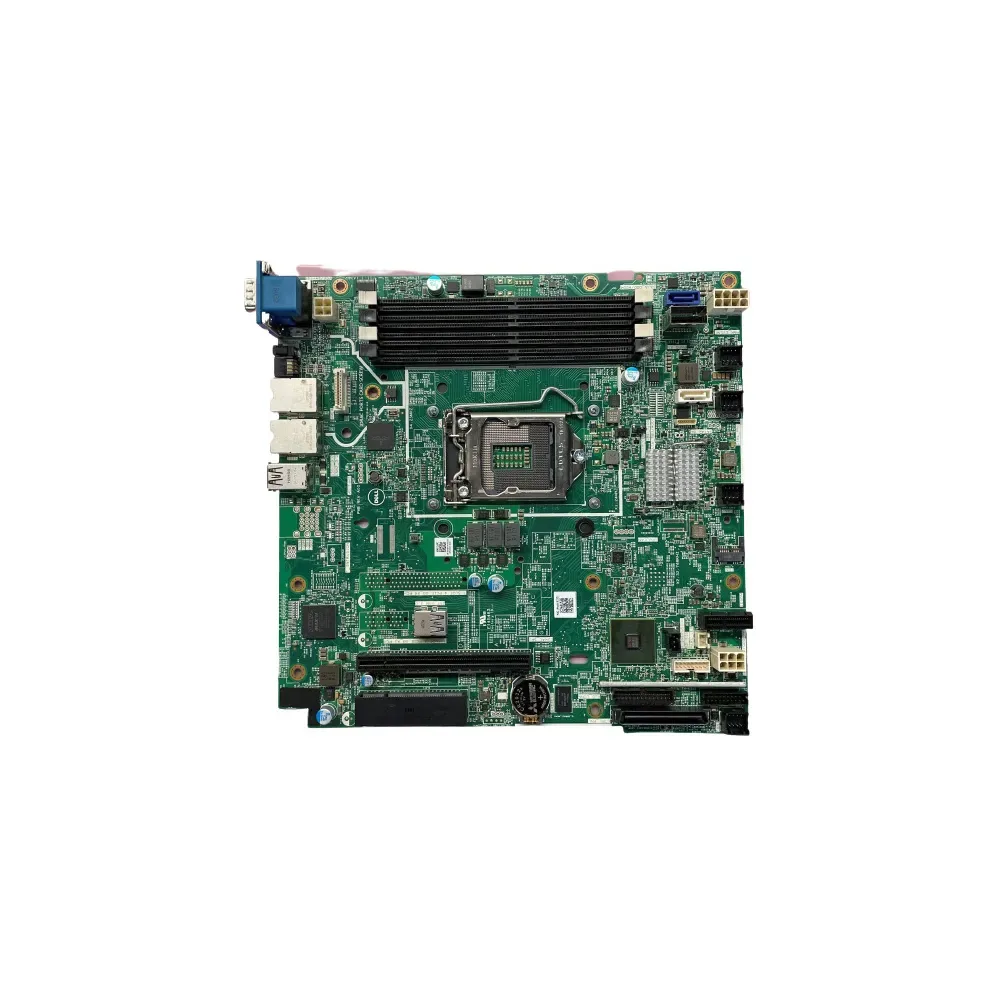 84XW4 - Dell DDR4 System Board (Motherboard) for PowerEdge R330 Server$233.68
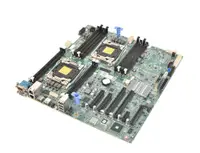 KX11M - Dell DDR4 System Board (Motherboard) for PowerEdge T430 Server$821.05
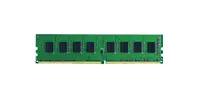 RAM-8GDR4ECT0-RD-2400 QNAP DDR4-2400 8GB ECC/REG Server Memory$166.89
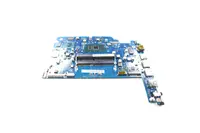 F24VEB16GS Super Talent DDR4-2400 16GB/1Gx8 VLP ECC Samsung Chip Server Memory$406.41
Browse all 2,644 Server Memory SKUs.